Testnet Venom
Venom is a highly scalable layer 0 multi-blockchain with the first operating license from ADGM (Abu Dhabi General Markets). The blockchain infrastructure consists of fast, low-fee transactions and infinite sharding that supports CBDCs and WEB3 applications.
This is a project that is building a decentralized platform for the exchange of digital assets and the provision of services related to blockchain technology. They launched a testnet in order to test the performance of their platform and get feedback from the community.
More details about the project and the technologies they use can be found in their documentation.
Abu Dhabi-based blockchain platform Venom Foundation and investment manager Iceberg Capital announced that they will provide $1 billion in funding for Web3 and blockchain companies through a new partnership.
They recently launched a testnet you don't want to miss! During testing, you will be collecting Early User NFTs which may earn you rewards for in the future. 22% of the total supply of tokens is allocated to the community, which is very sizeable. Nothing has officially been announced in regards to testing rewards yet. For now, we are testing the protocol and waiting for announcements.
In the instructions below, we will describe in as much detail as possible how to get all the NFTs available at the moment. Let's start testing!
How to participate?
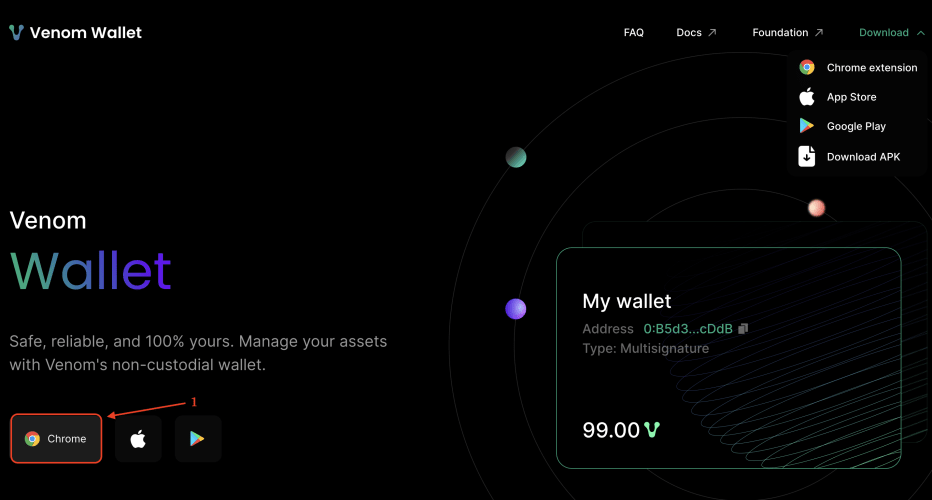
- Visit Venom and click “Chrome”;


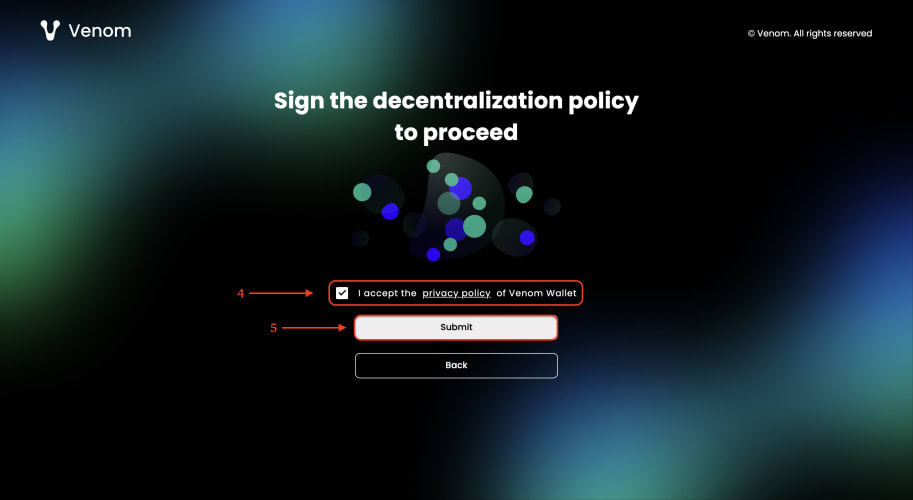
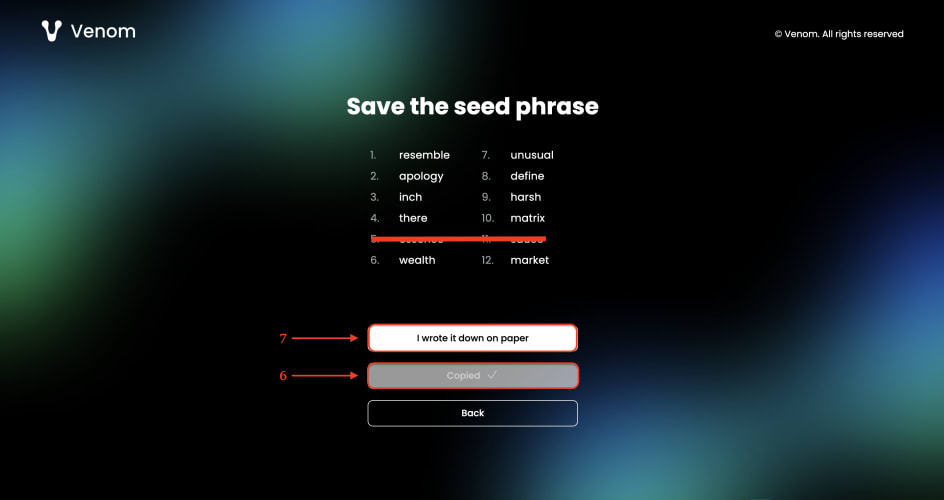
Claiming test tokens
- Visit Venom and click “Connect Wallet”;
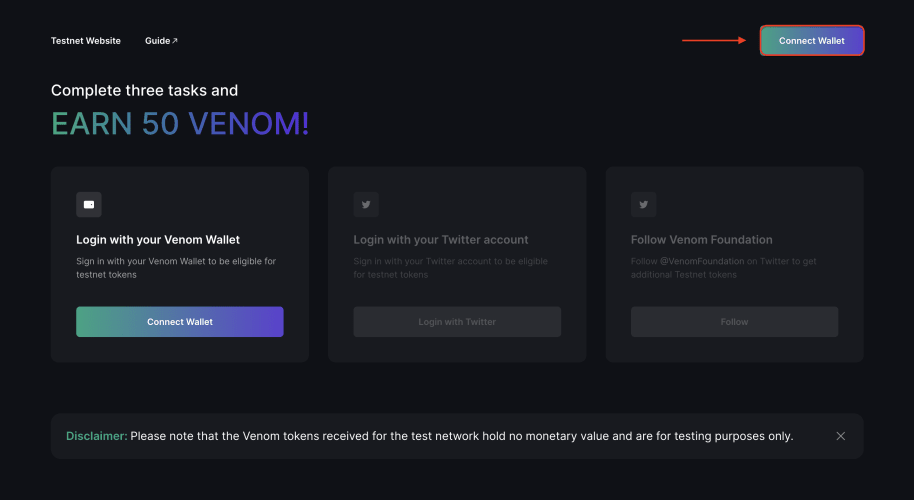
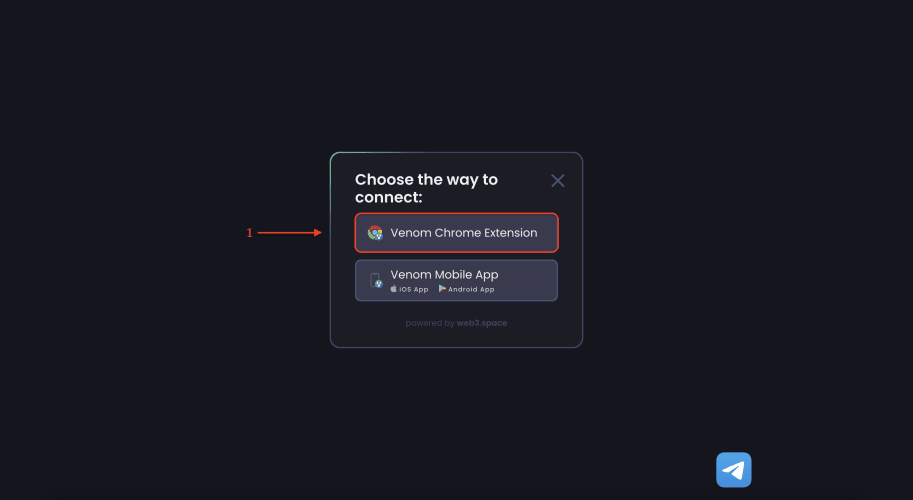
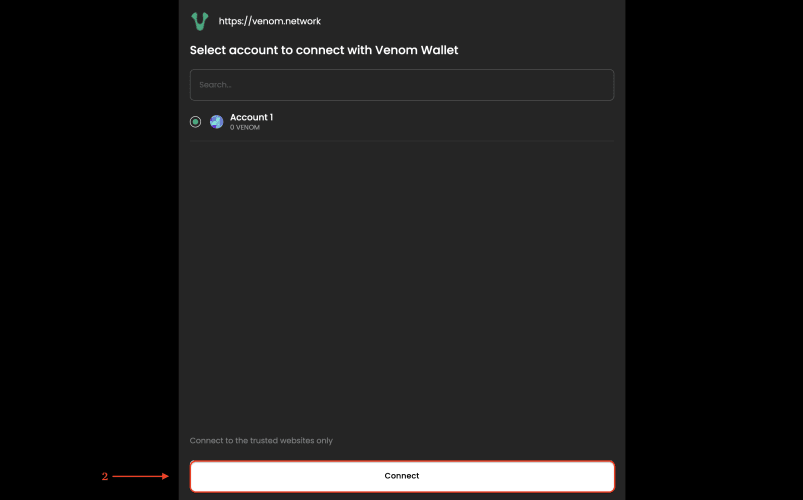
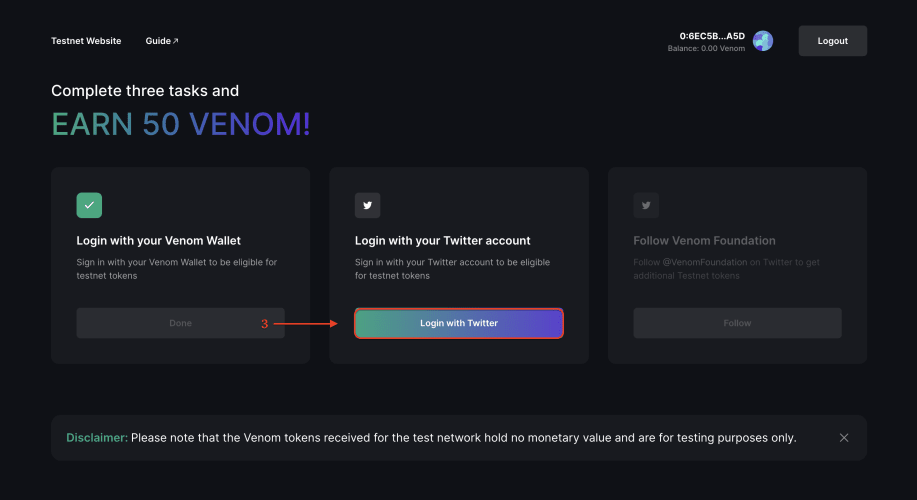
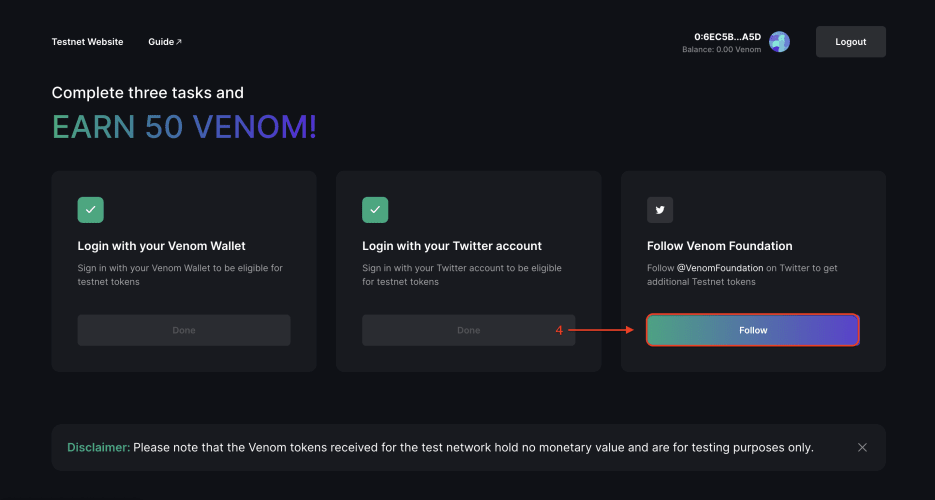
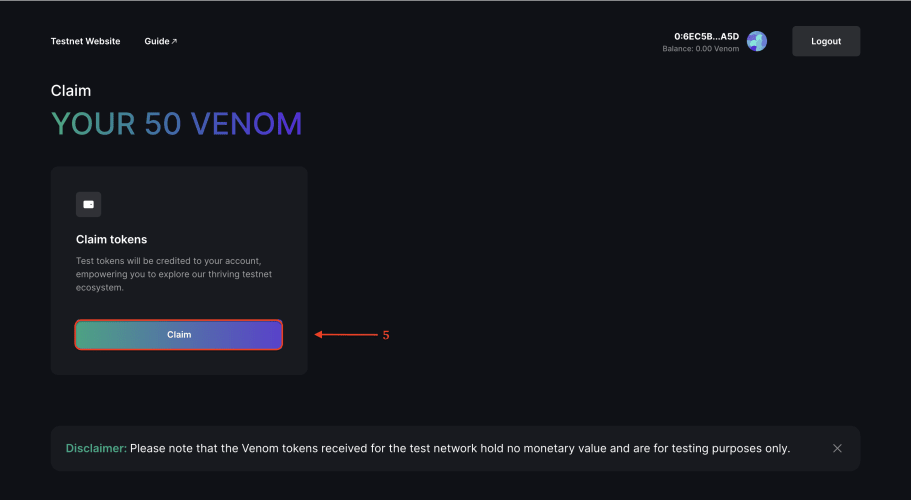
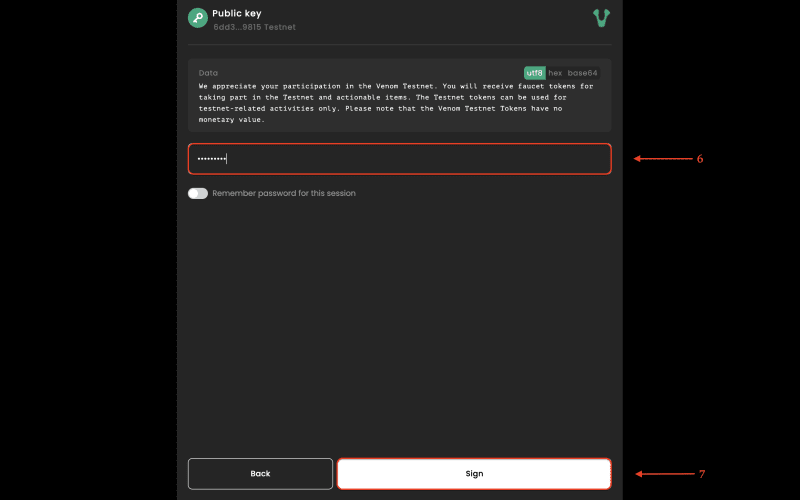
Switch to the “Get testnet VENOM” tab and get additional $VENOM tokens for joining the project's Discord.
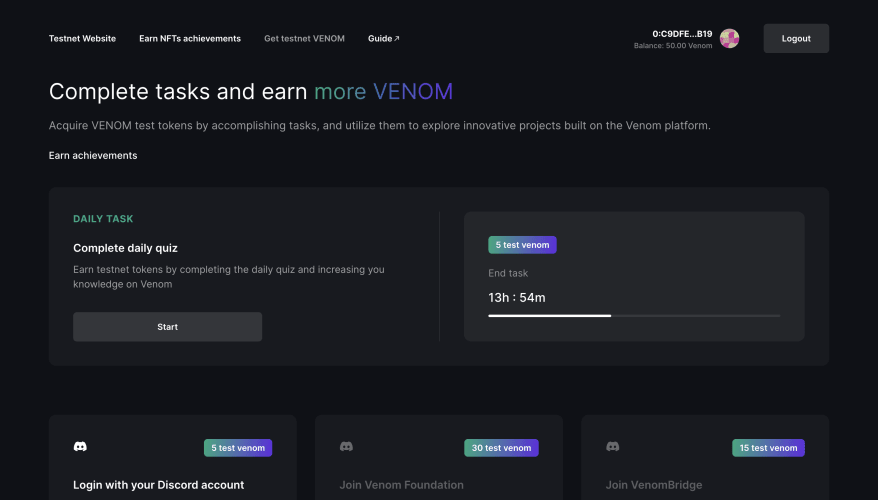
Doing tasks
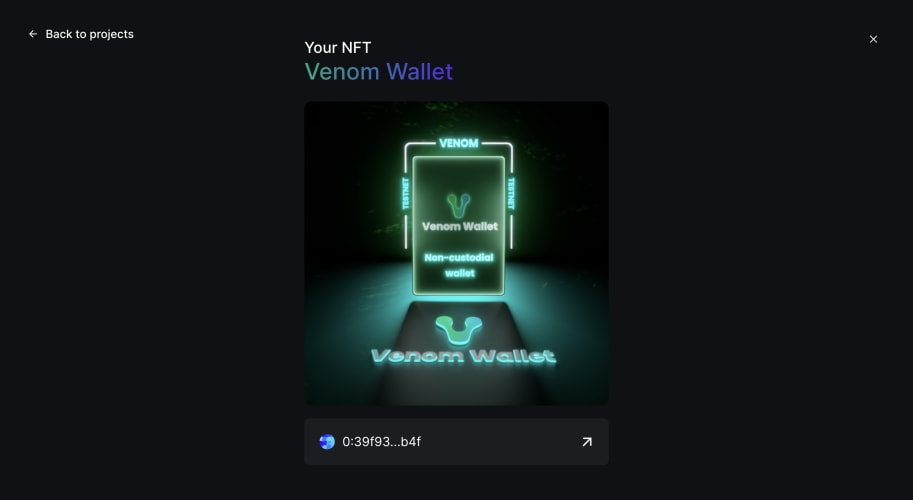
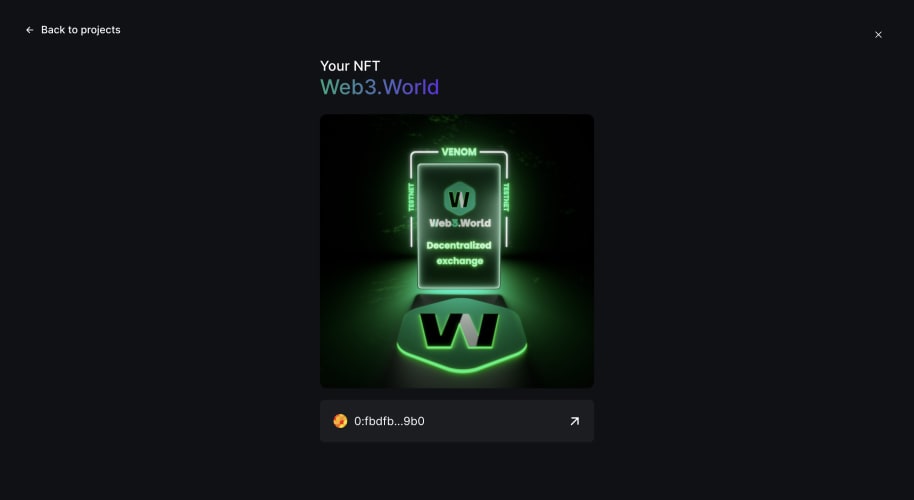
- Visit Venom to do testnet tasks and claim NFTs. You'll need to collect them all. Right now there are 8 tasks.

Venom
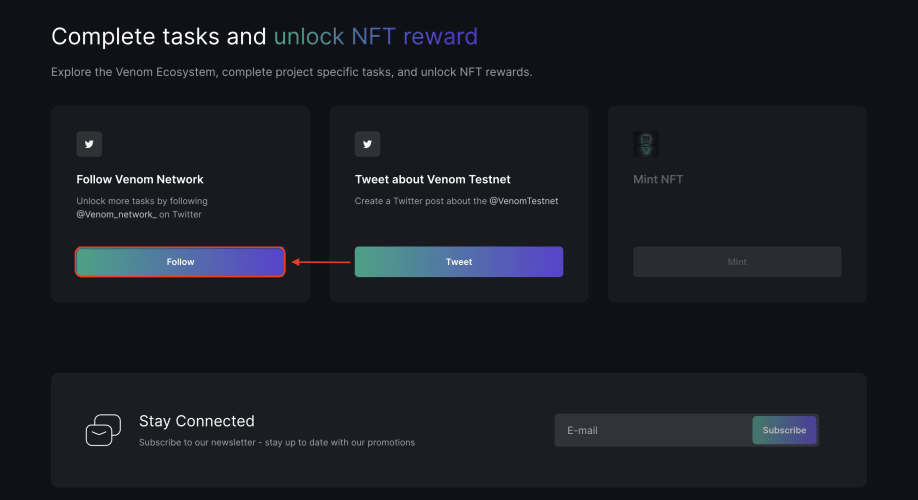
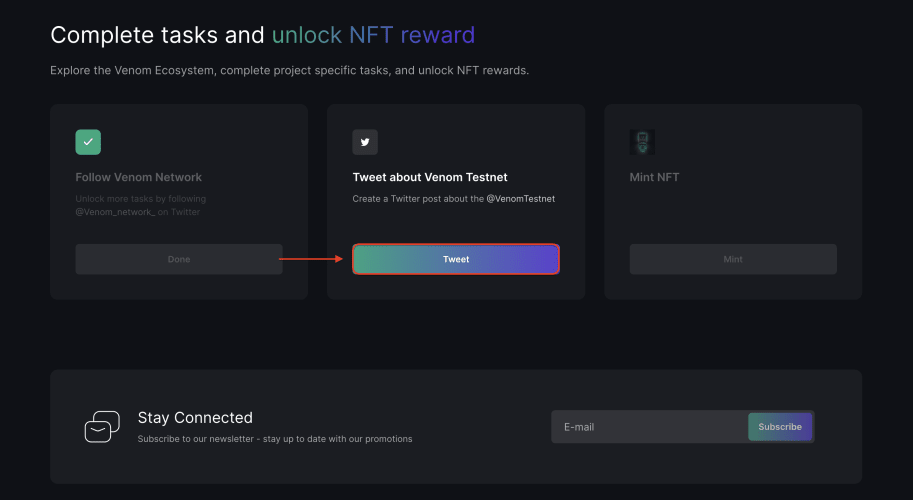
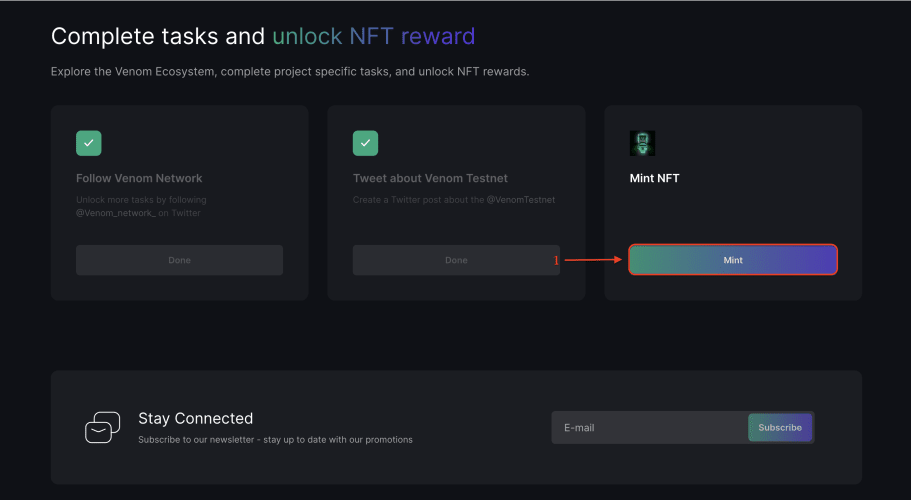
- Go to the task page;
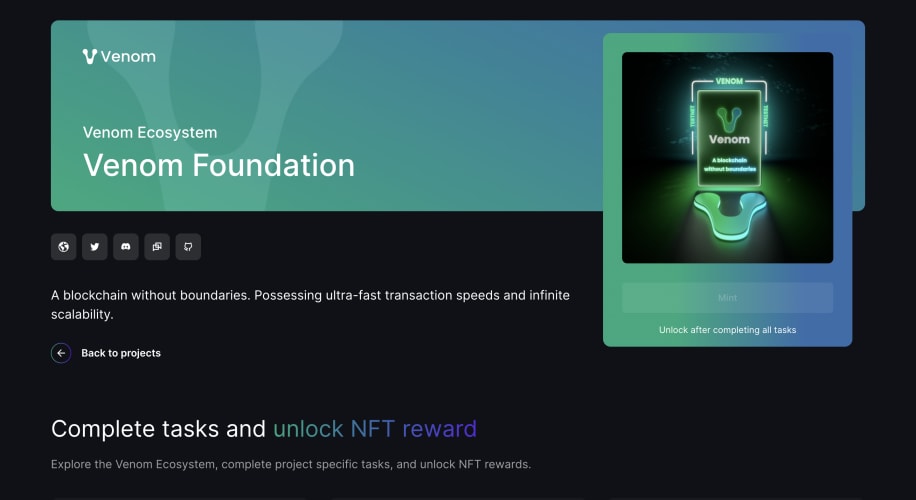
- Follow Venom Network on Twitter by clicking “Follow";
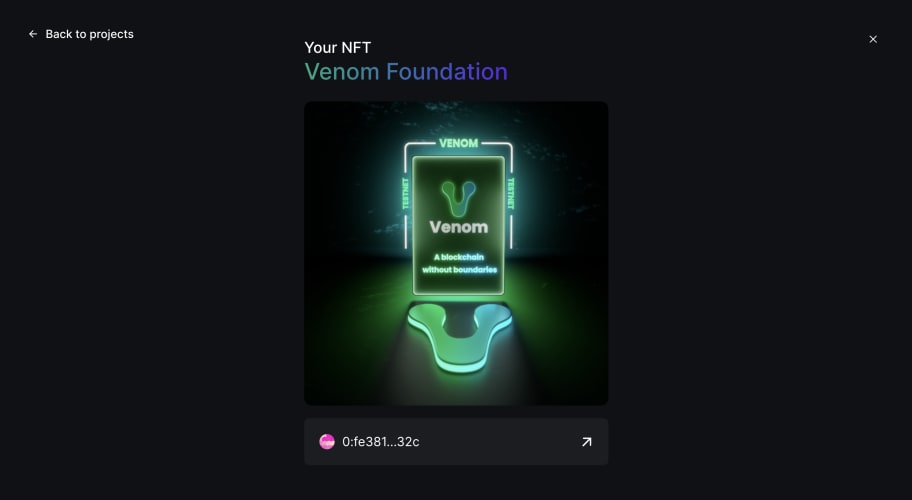
Venom Wallet
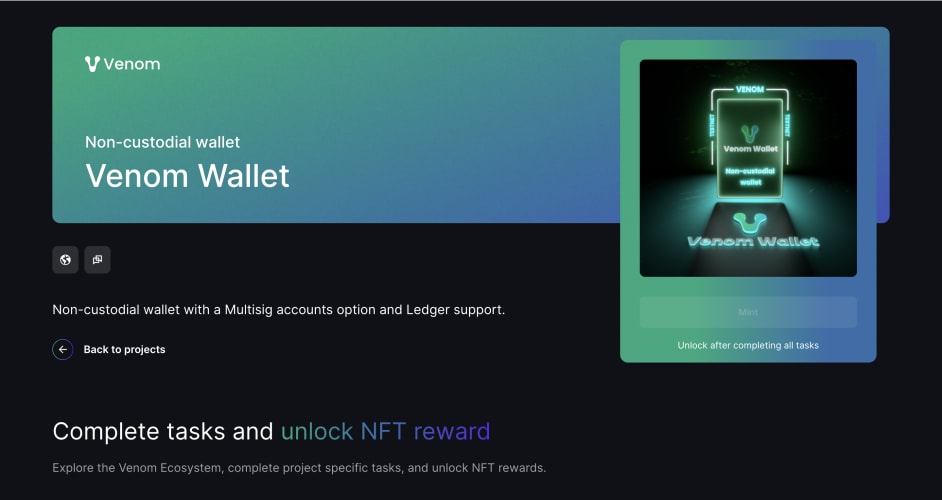
- Go to the task page;
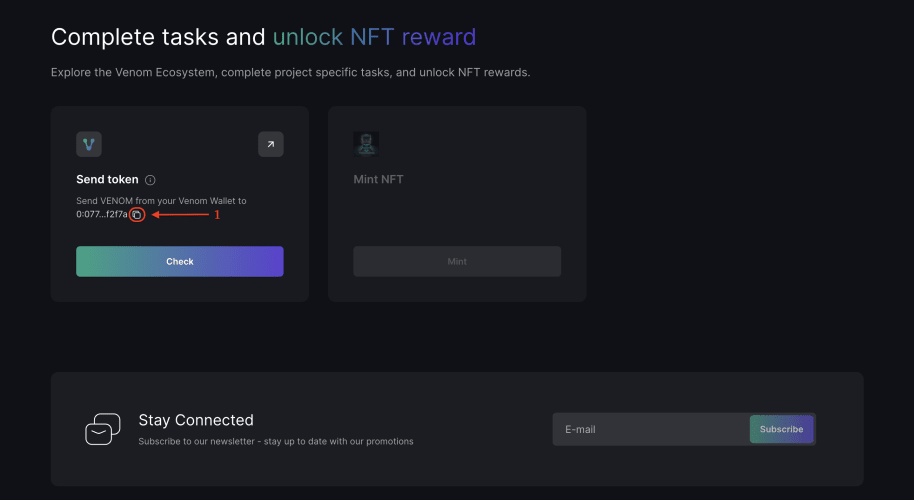
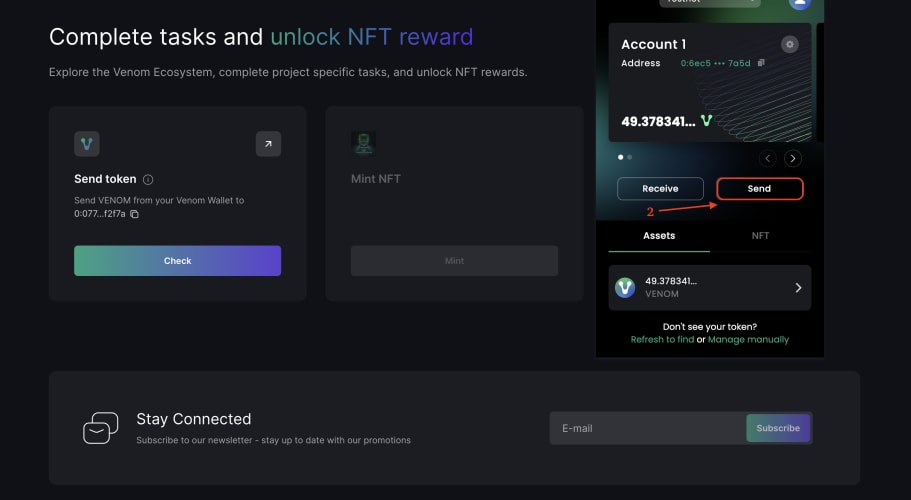
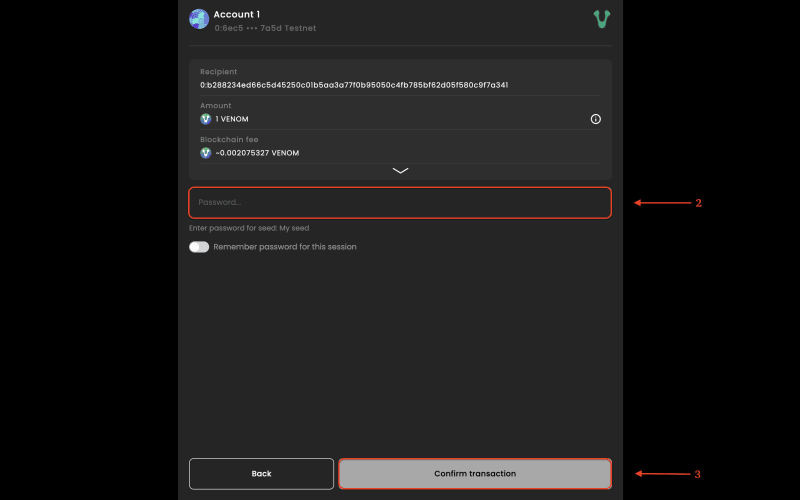
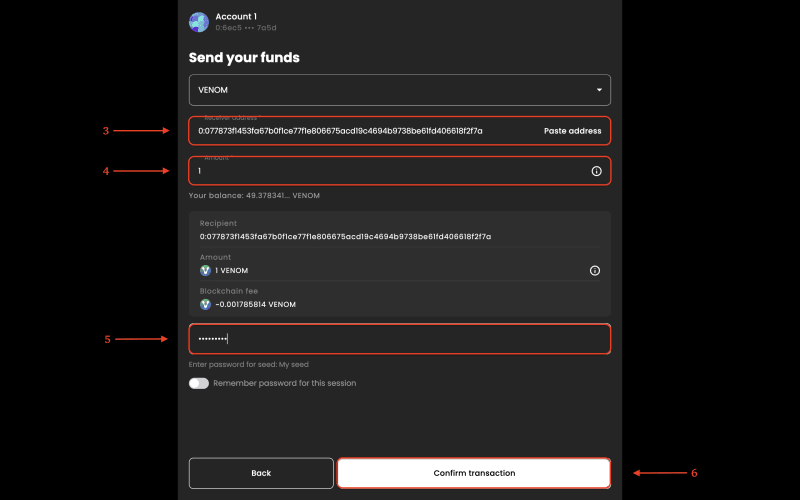
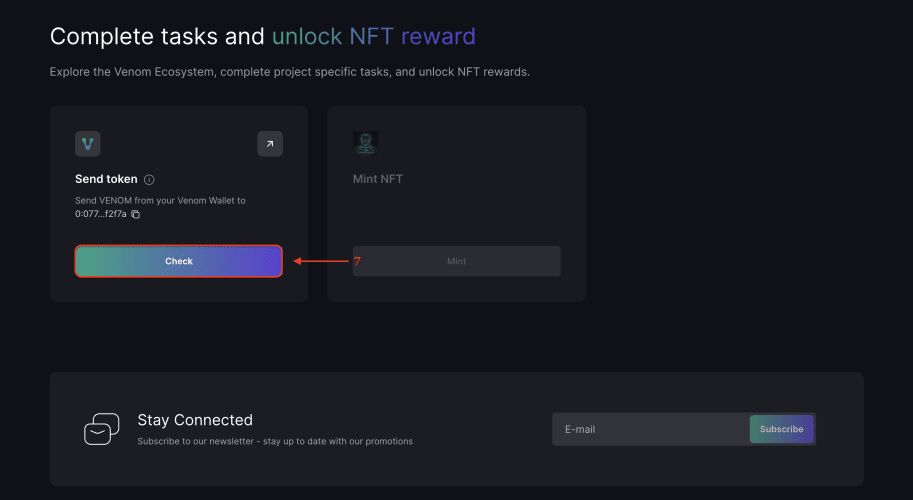
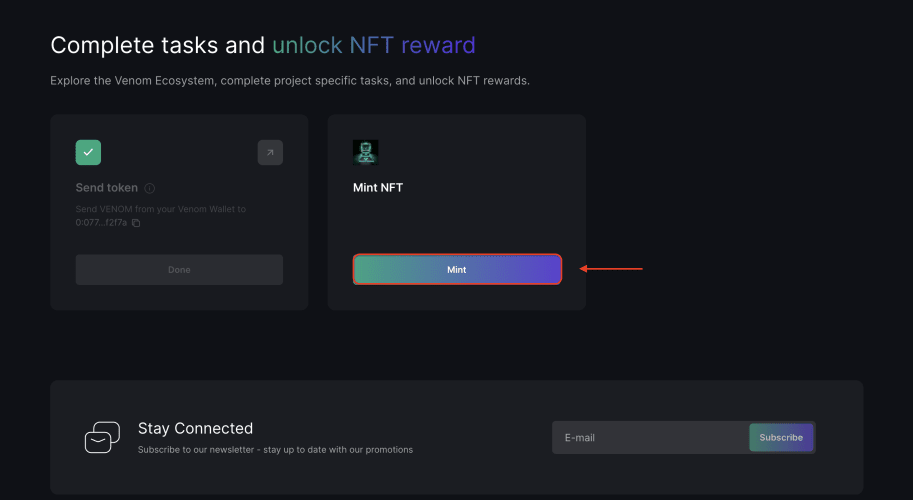
- Paste the address you copied, enter the amount of $Venom, enter your password and click “Confirm transaction”;
Web3.World
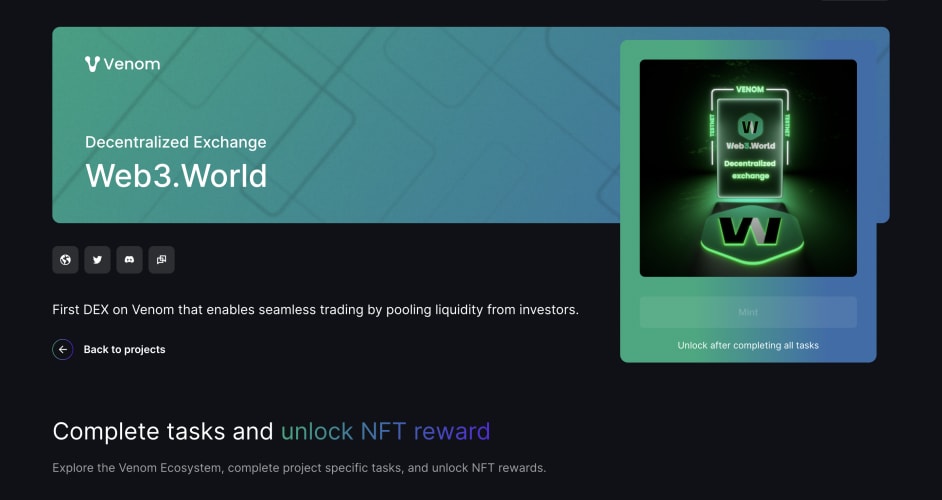
- Go to the task page;
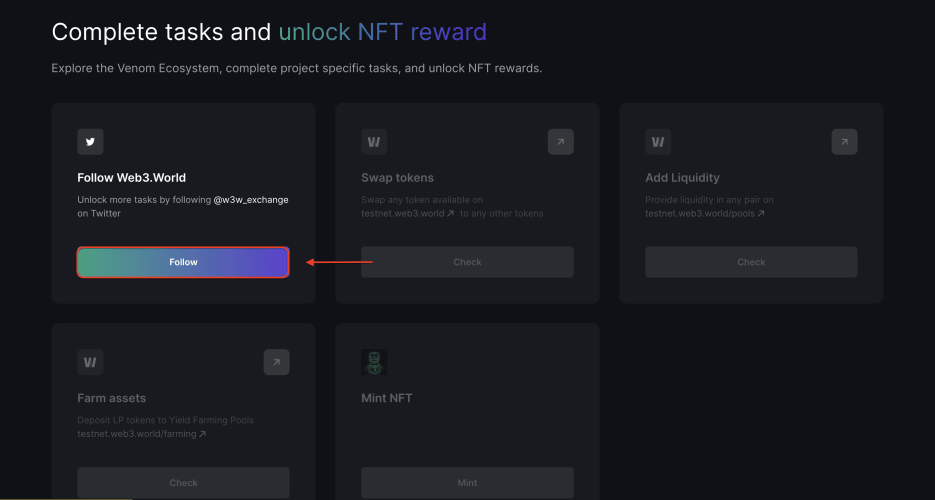
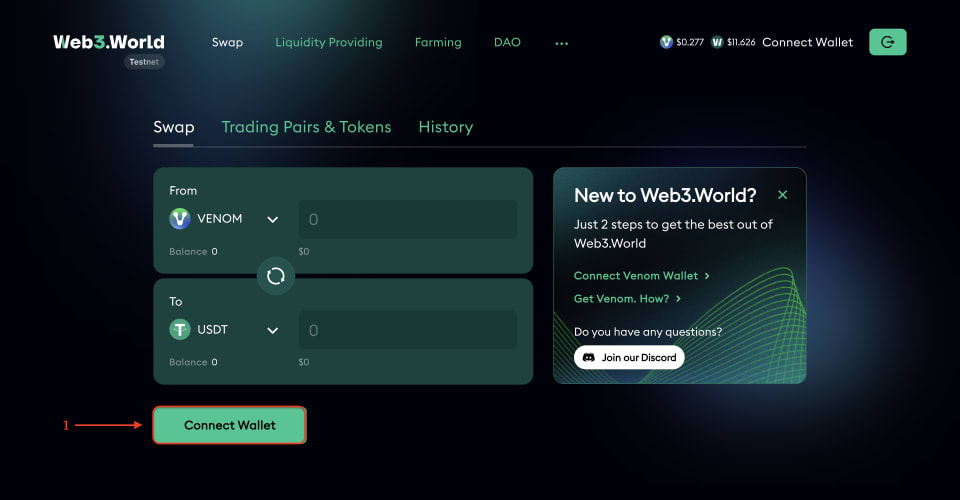
- Next, visit Web3.World and connect your wallet;
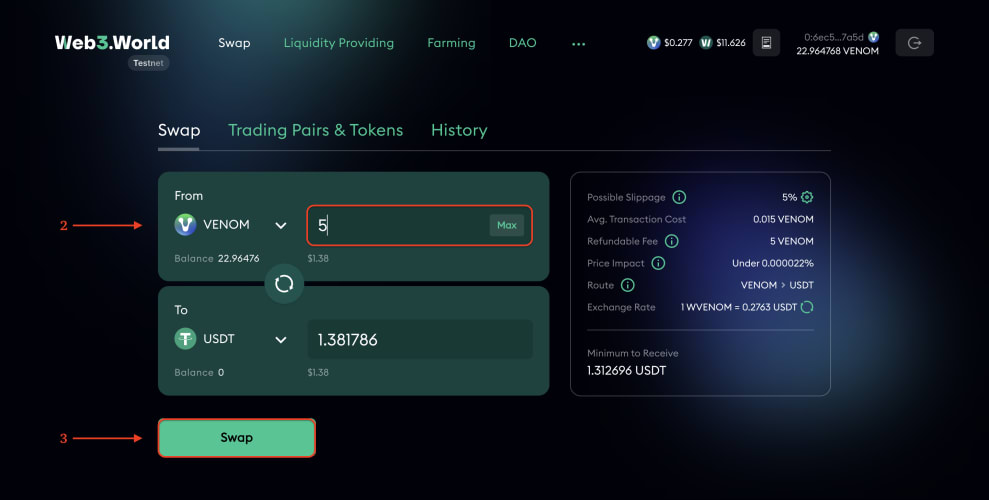
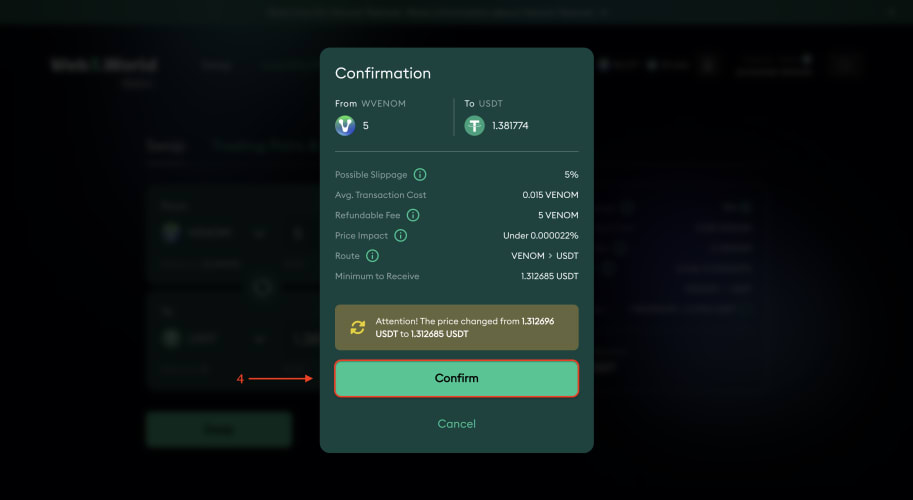
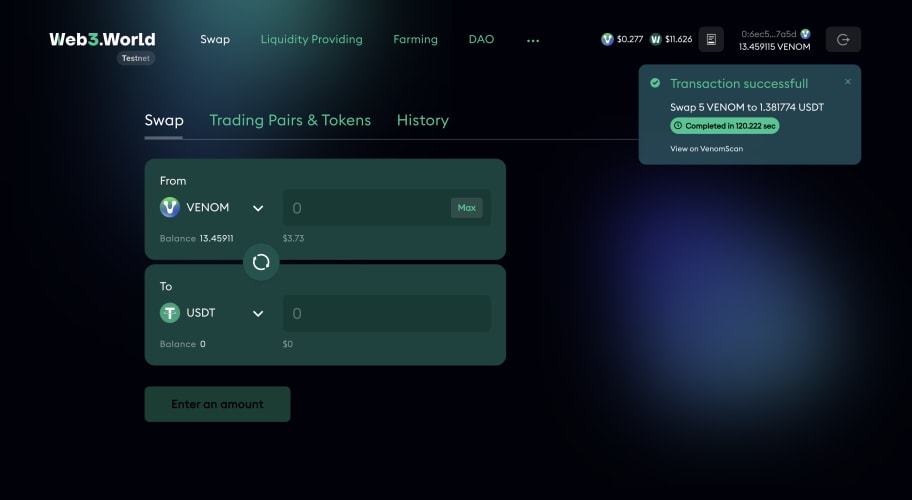
Doing a swap
Providing liquidity
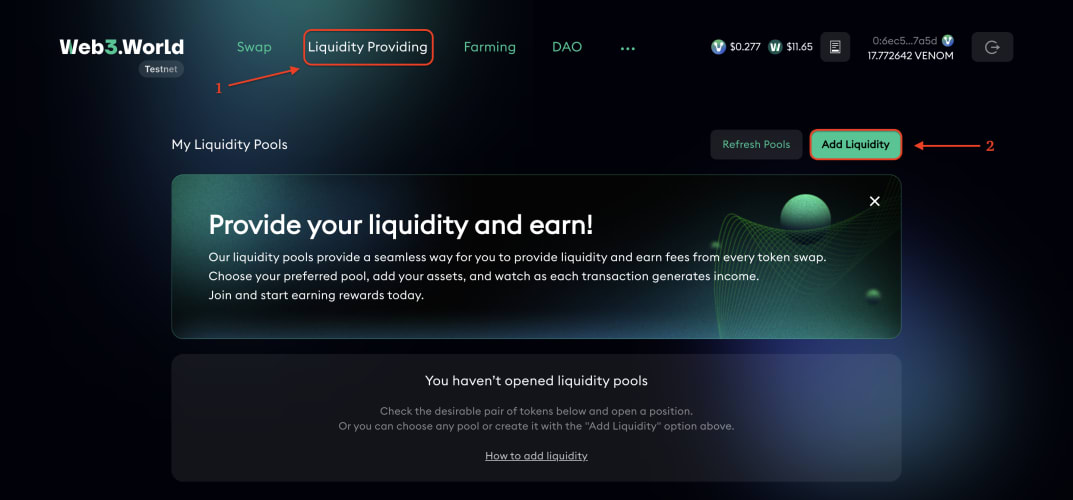
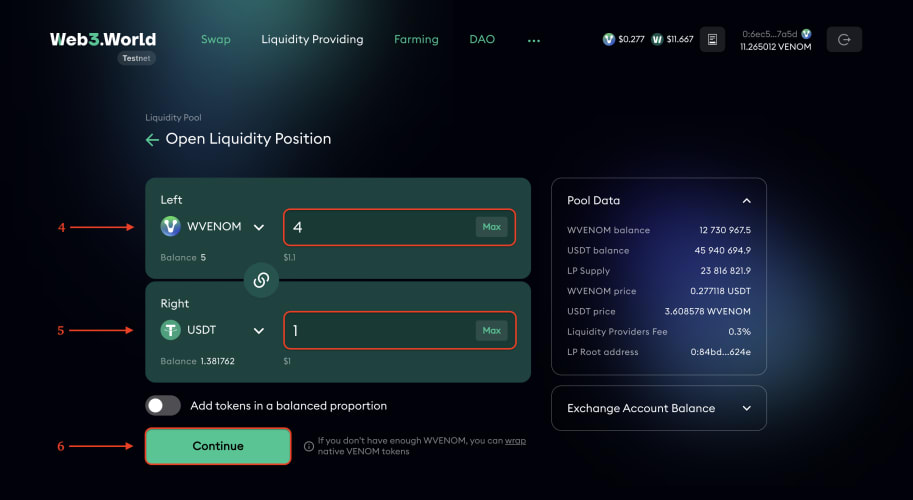
- Switch to “Liquidity Providing” and click “Add Liquidity”;

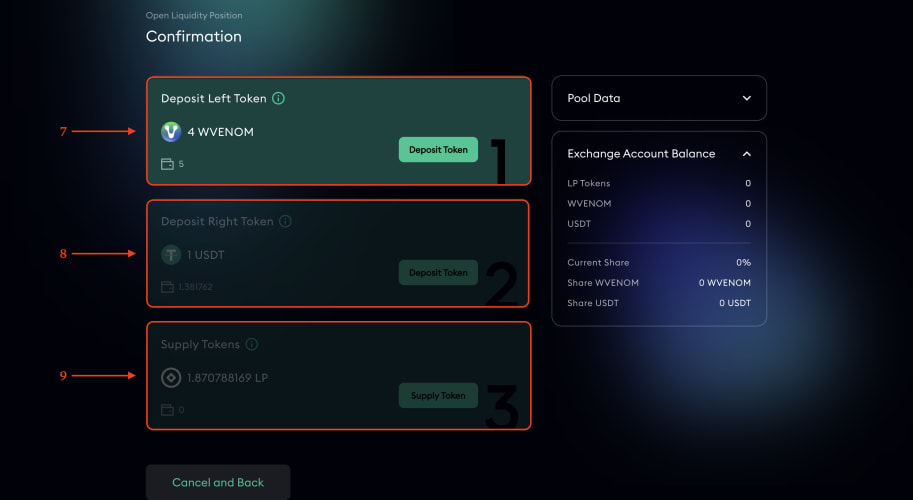
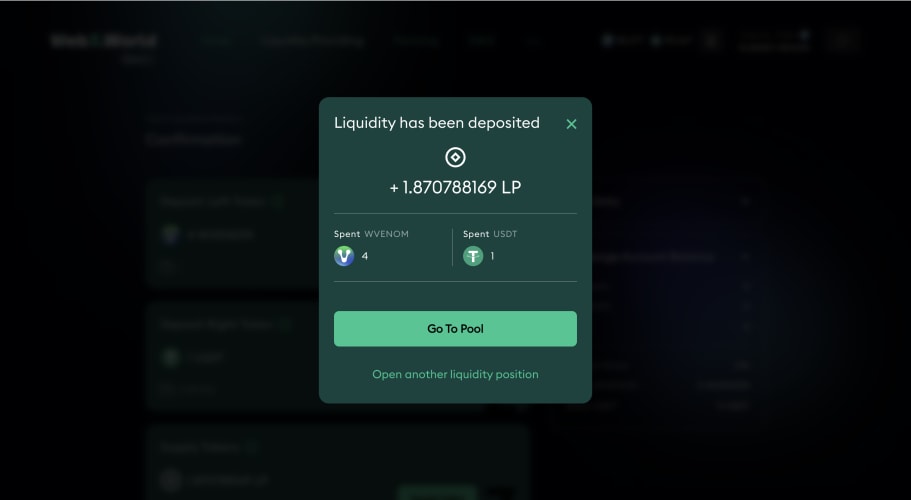
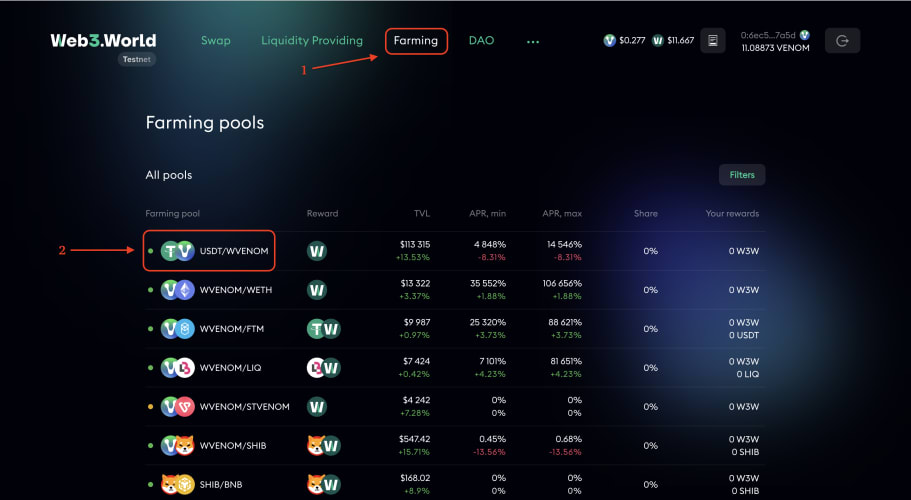
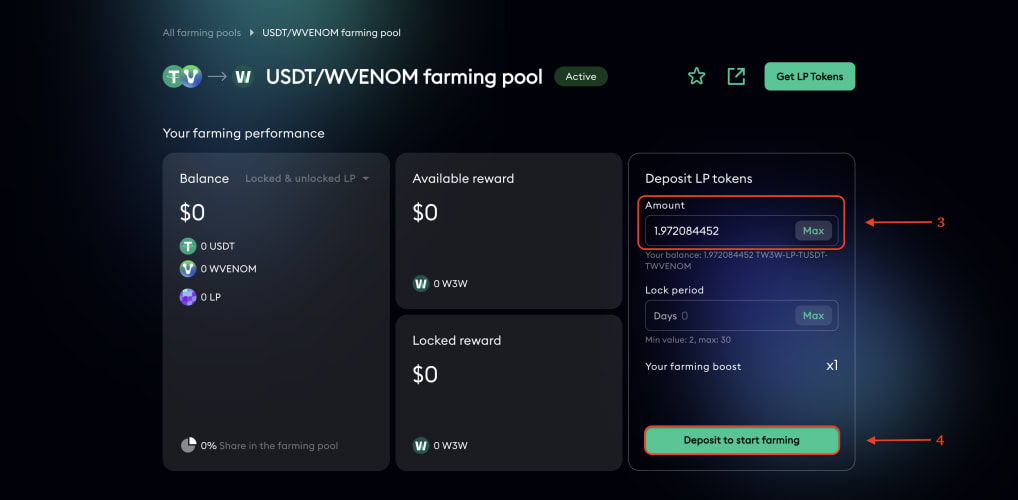
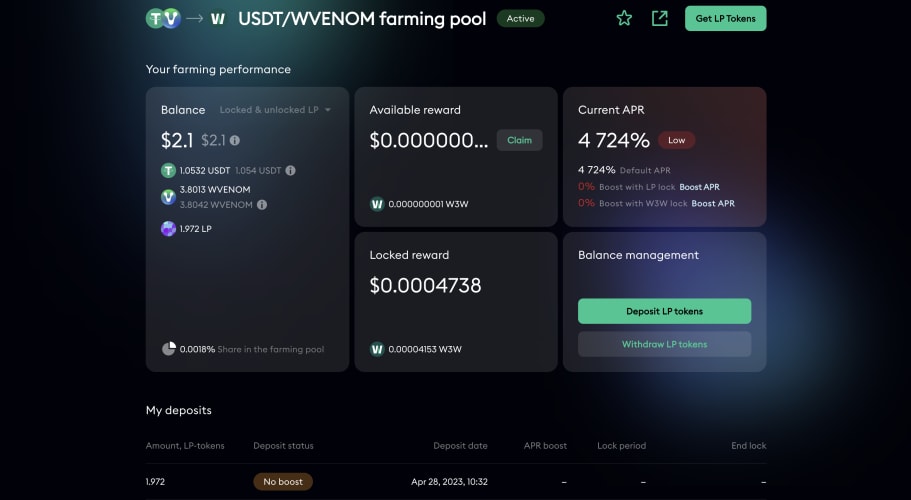
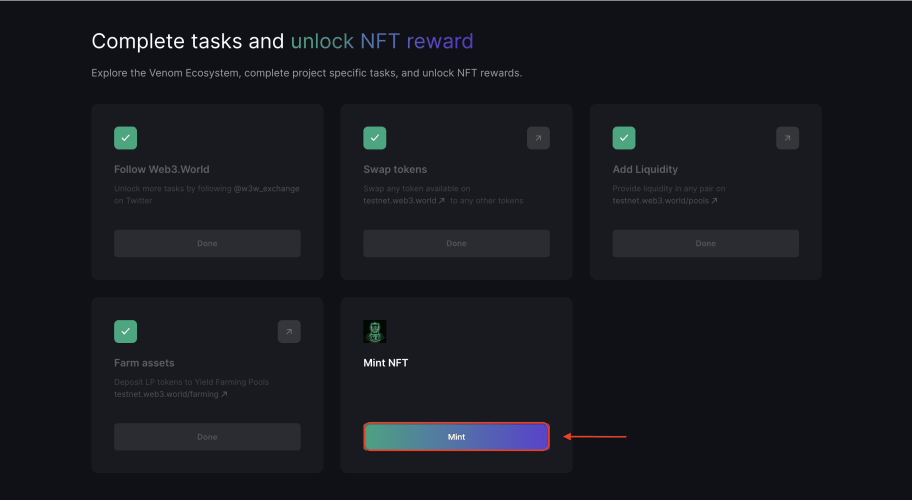
Farming
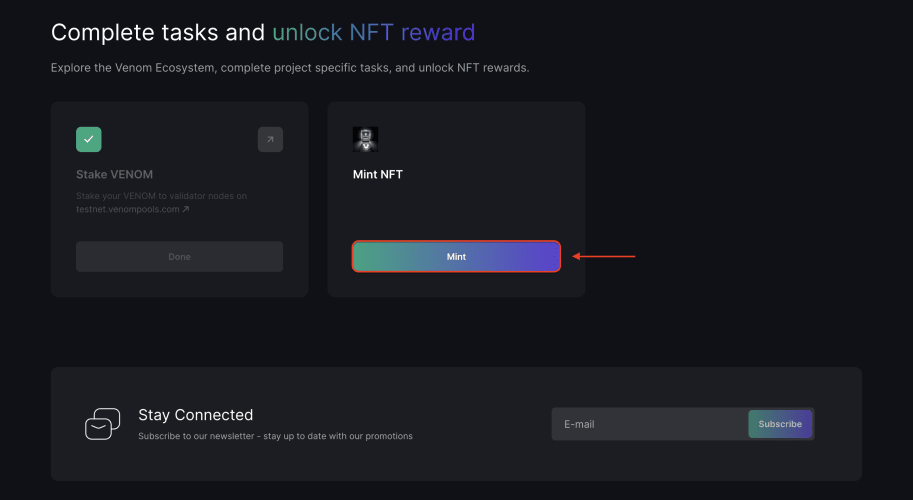
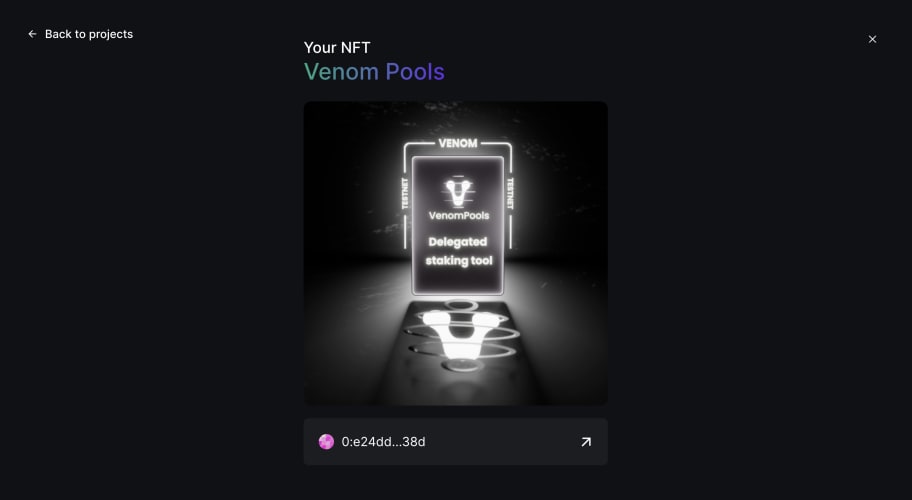
VenomPools
- Go to the task page;
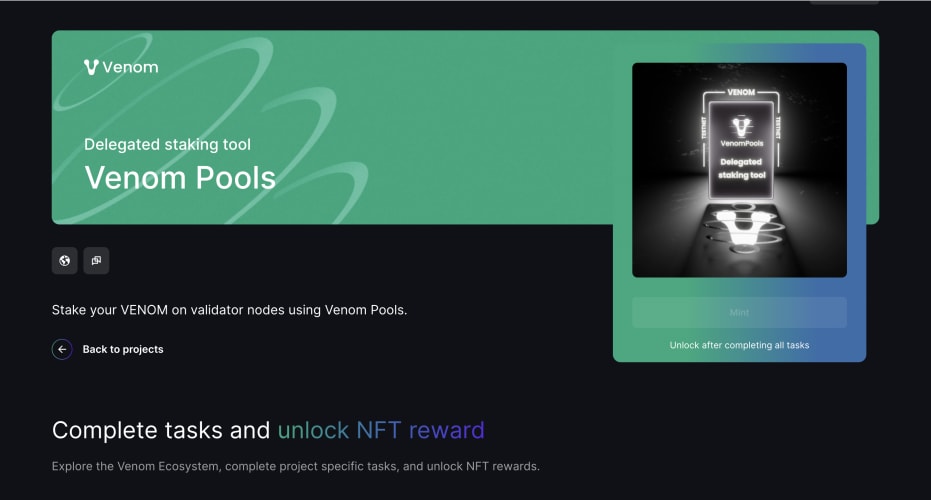
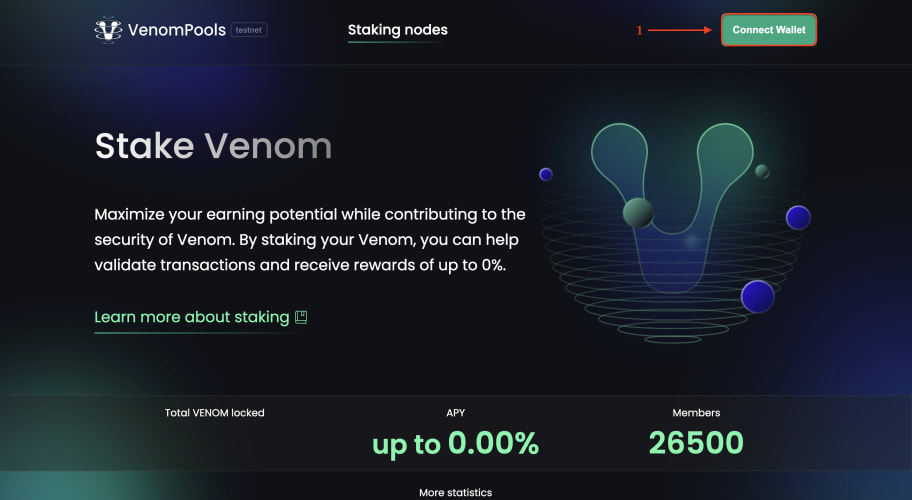
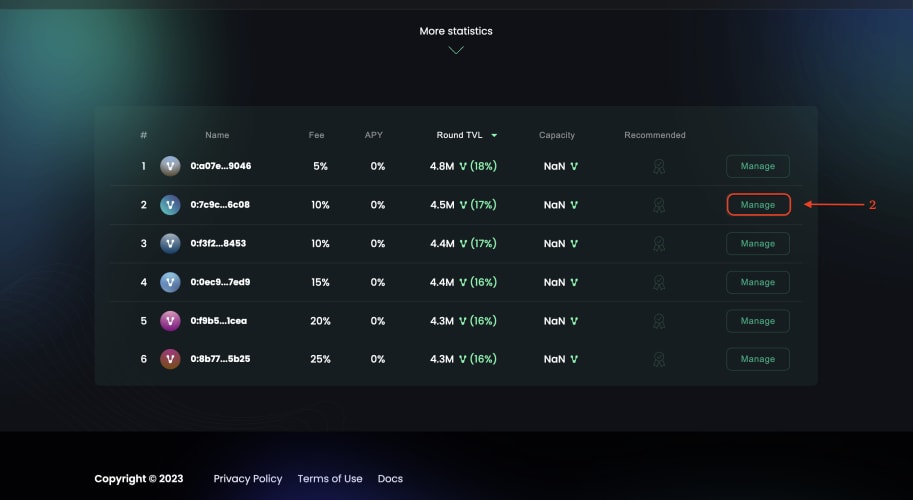
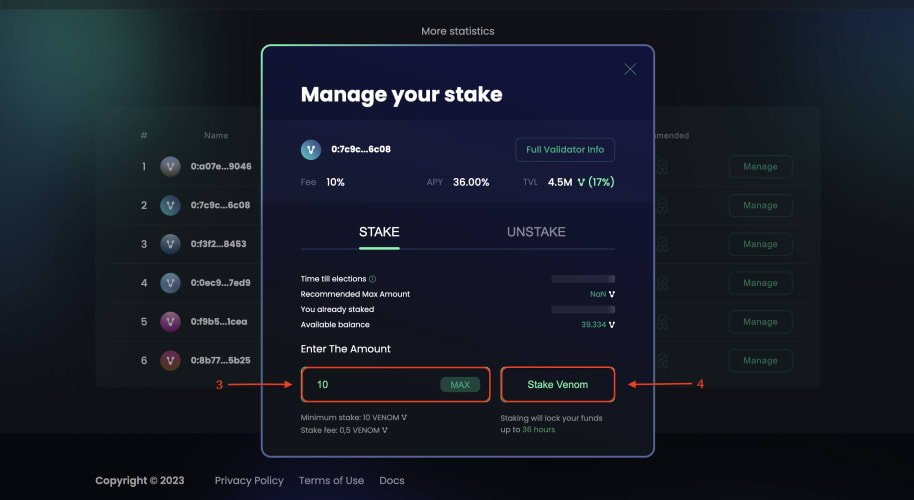
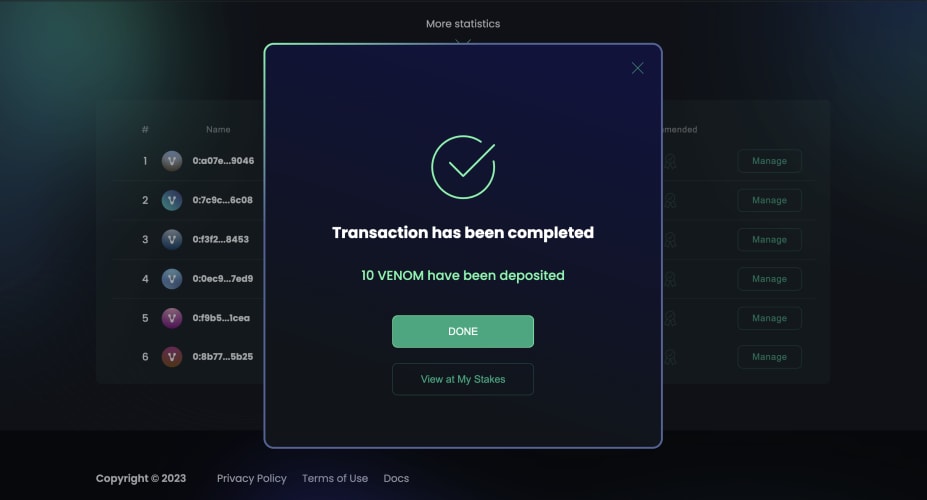
- Next, visit VenomPools and connect your wallet;
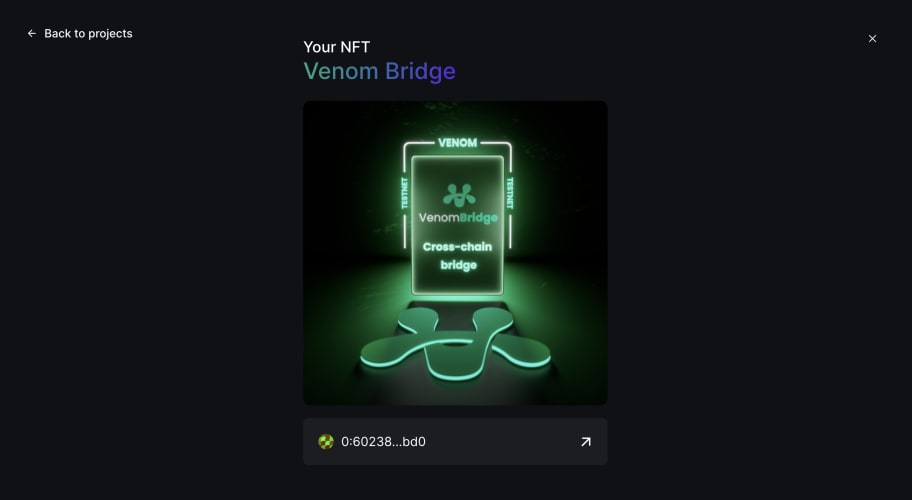
VenomBridge
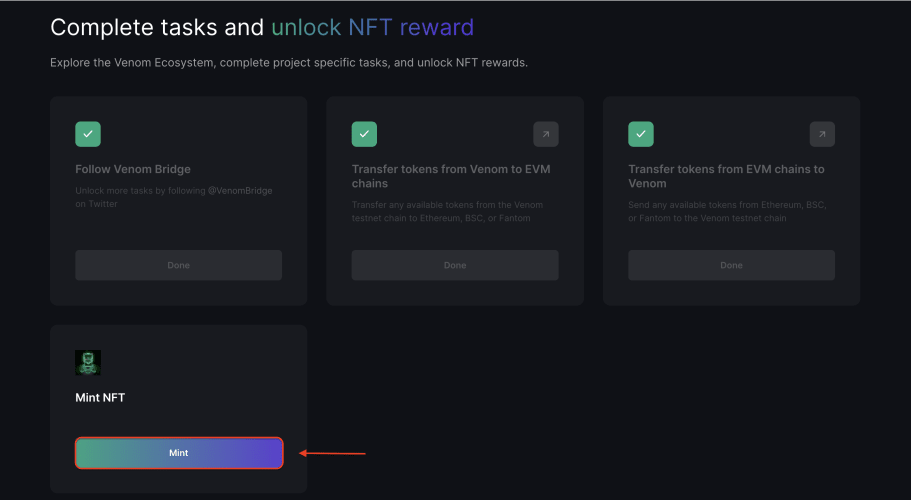
- Go to the task page;
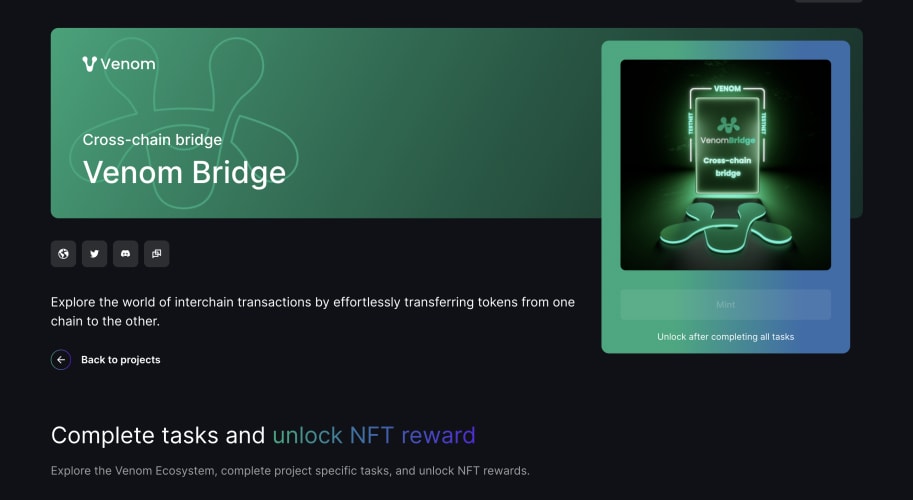
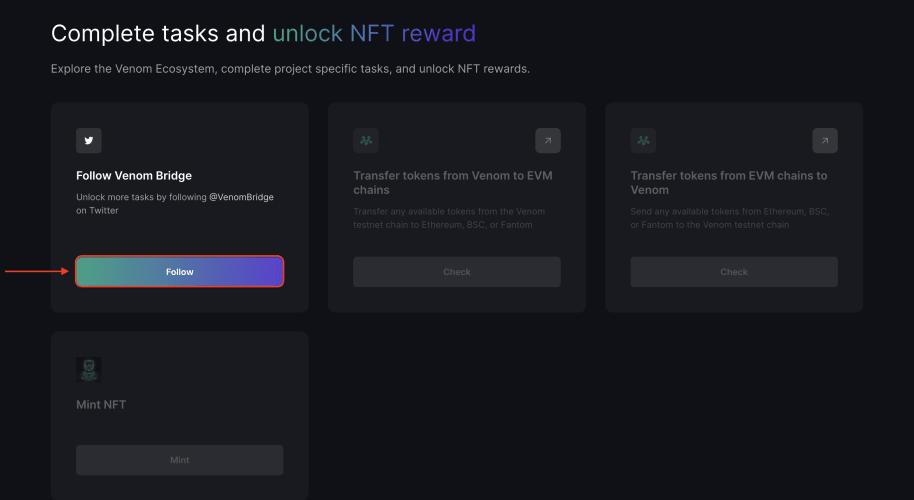
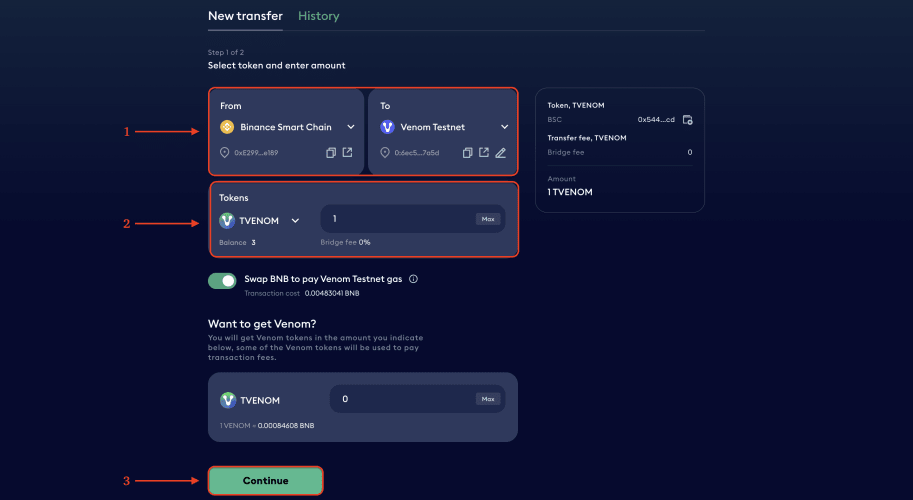
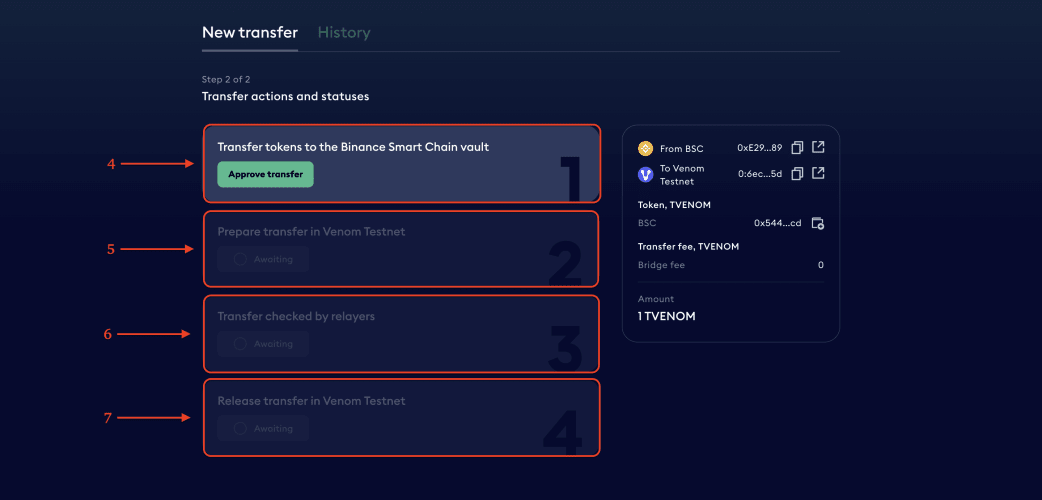
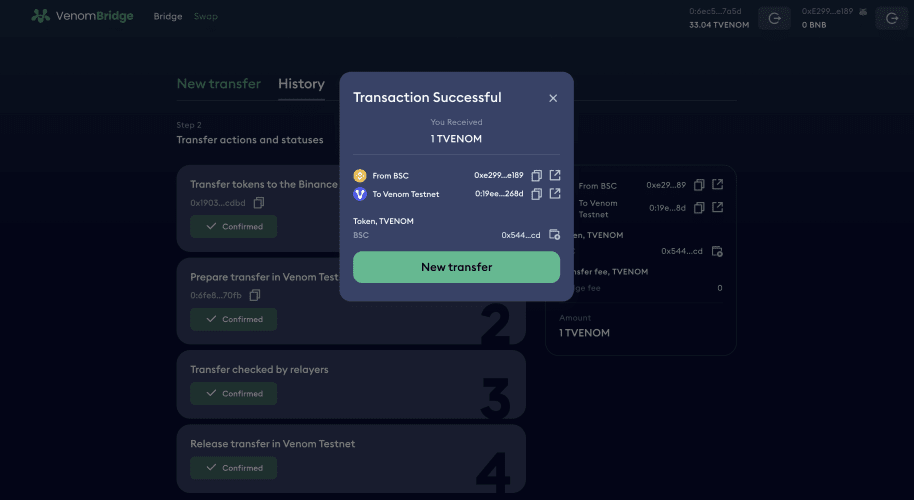
- Visit VenomBridge and connect both wallets;
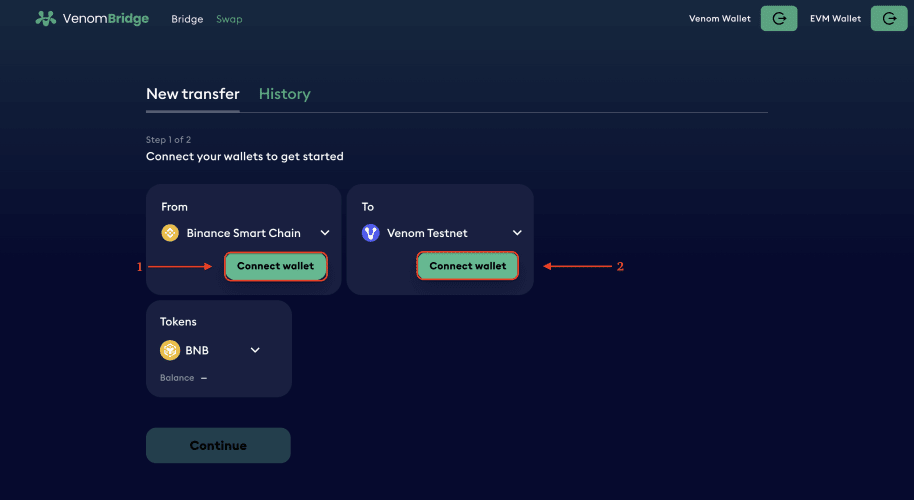
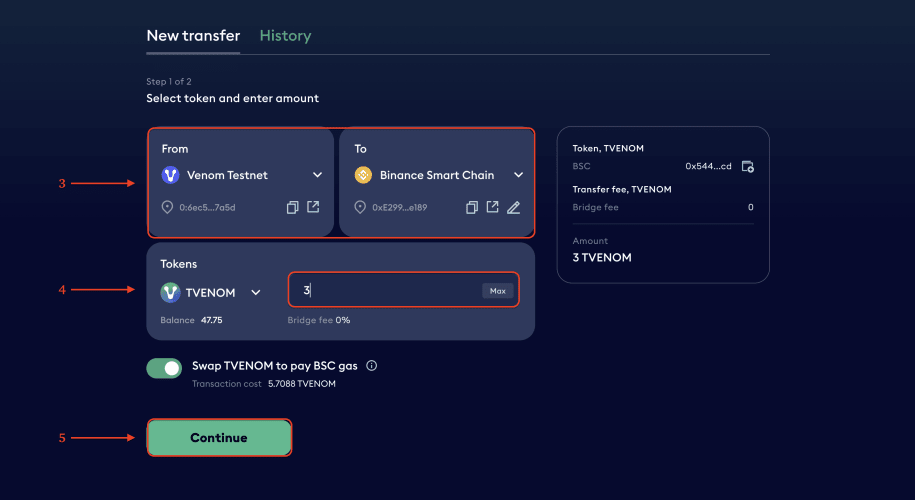
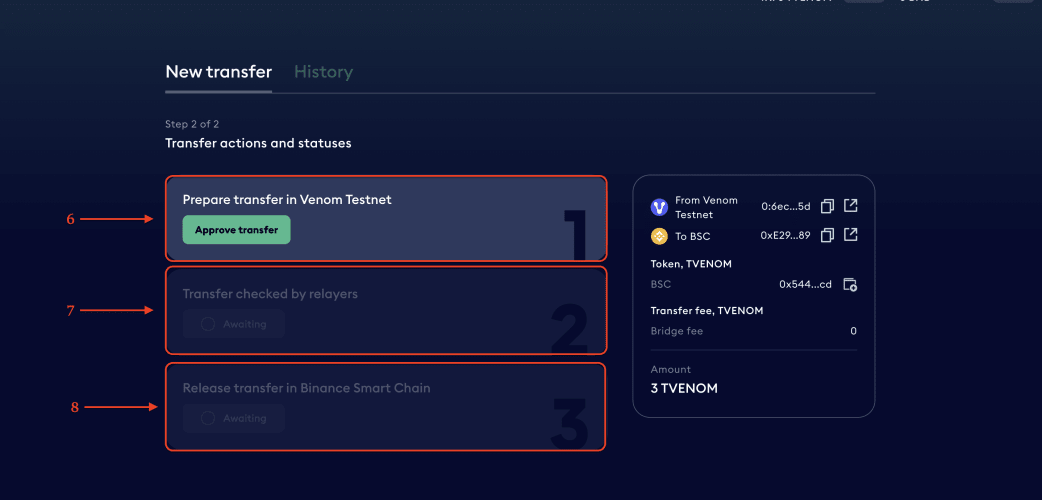
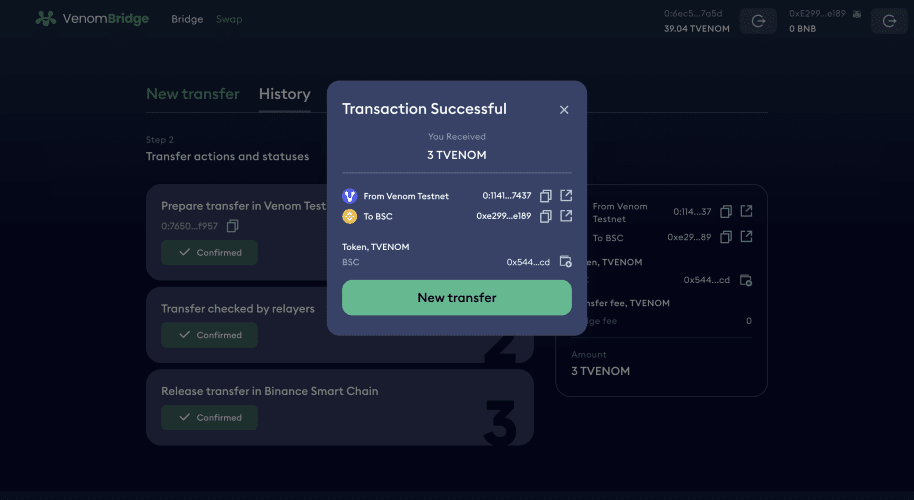
- Transfer any amount of $VENOM from the Venom Testnet to the Binance Smart Chain Mainnet, then click “Continue”;
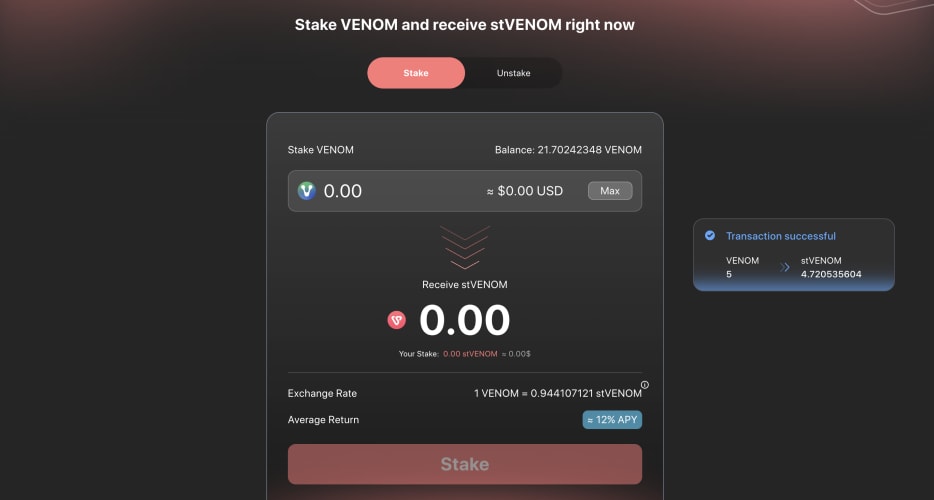
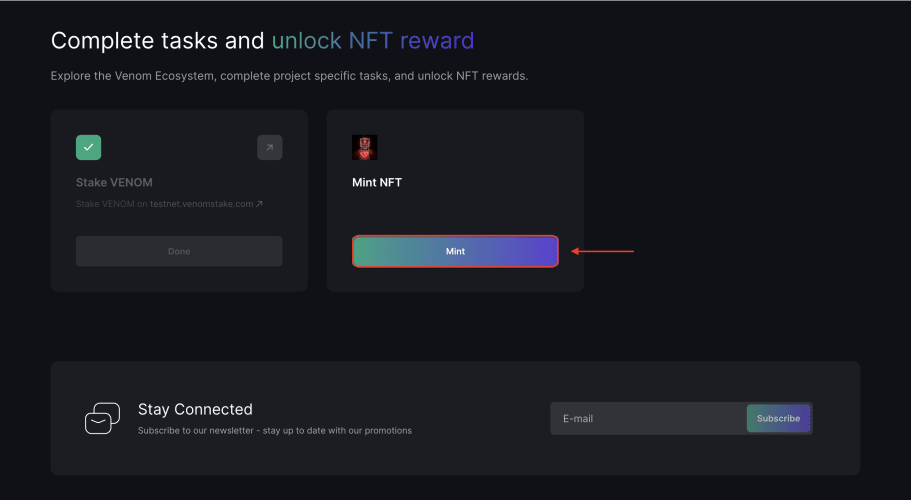
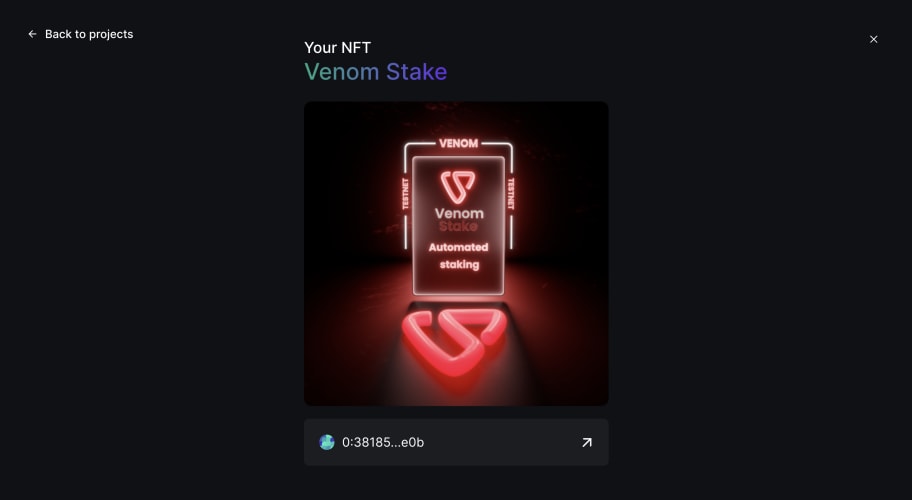
VenomStake
- Go to the task page;
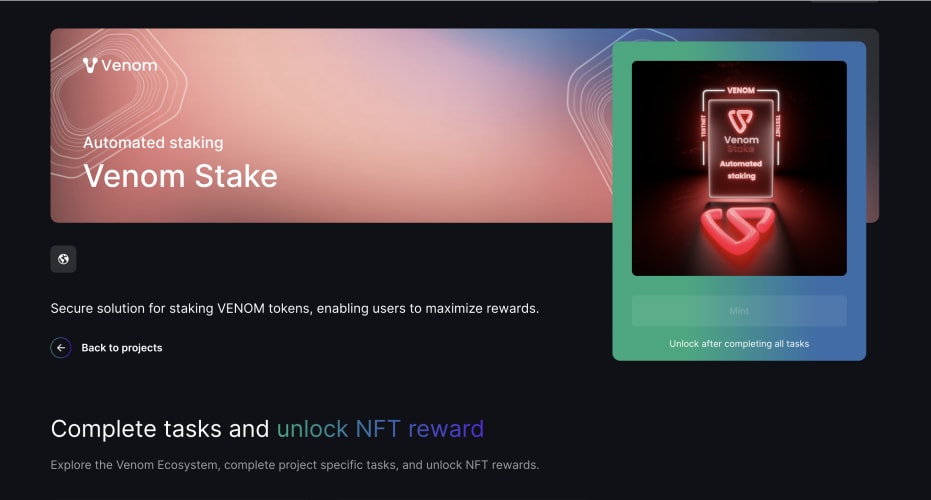
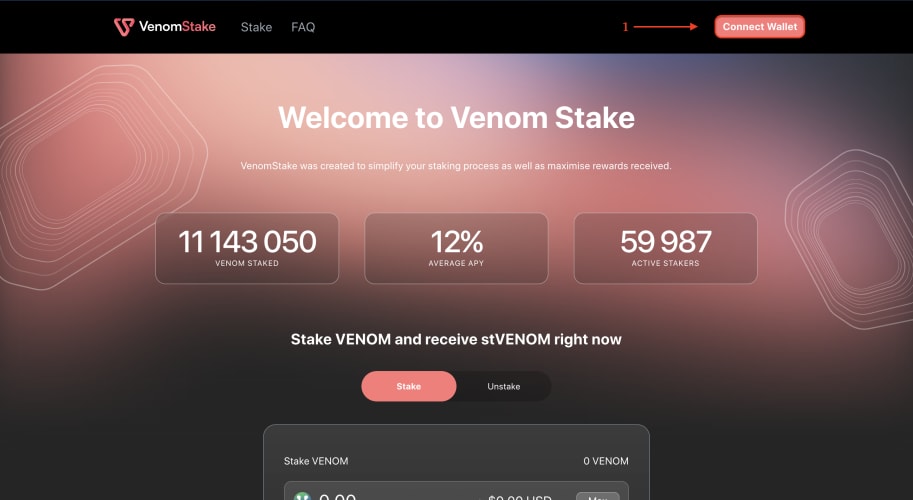
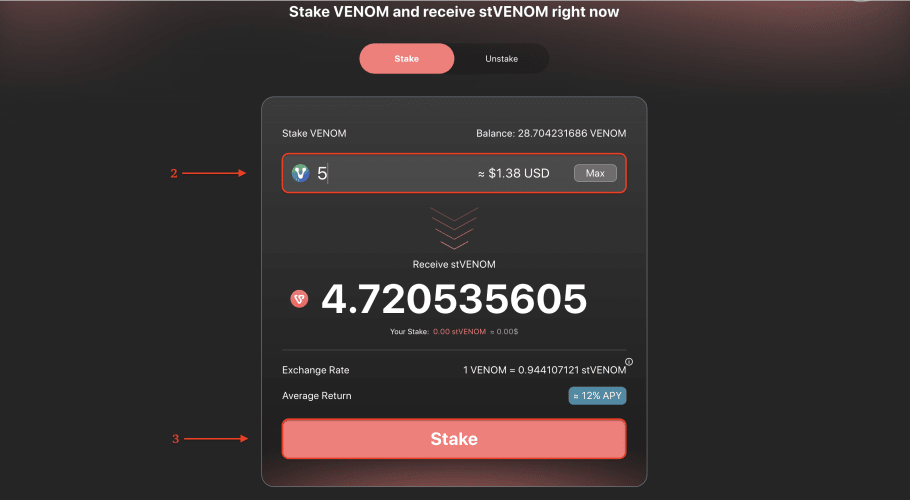
- Then visit VenomStake and connect your wallet;
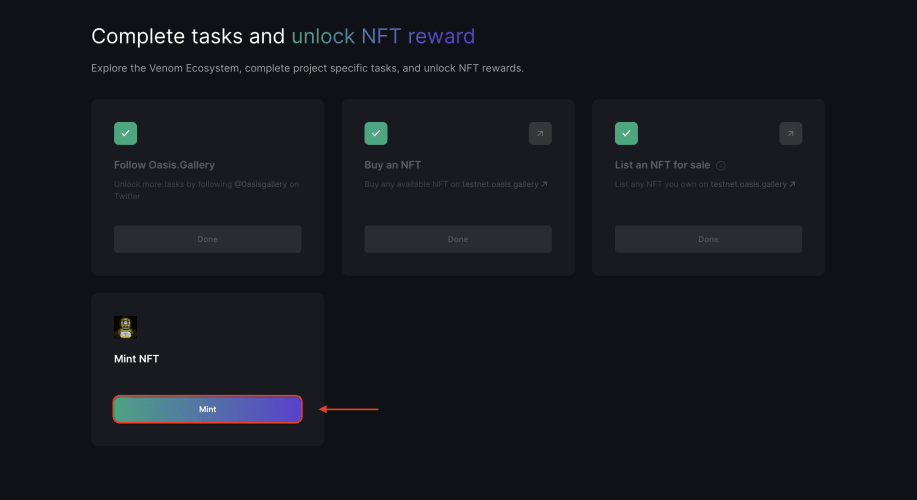
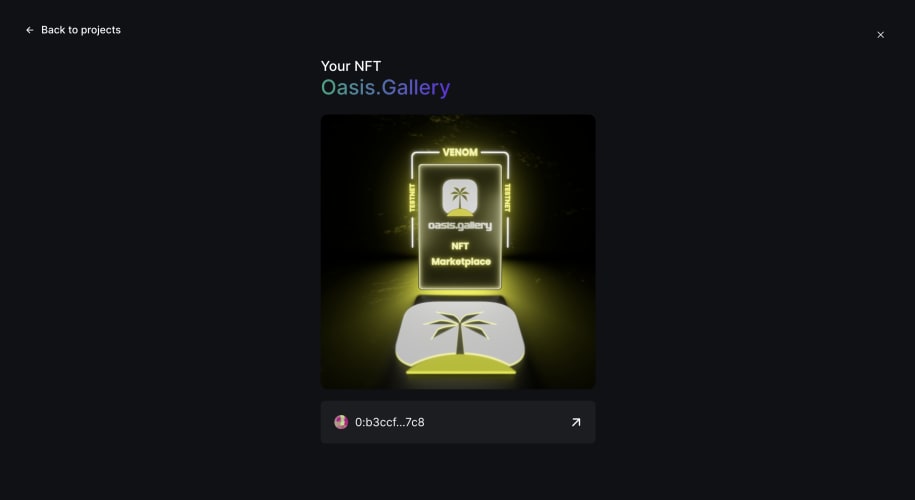
Oasis.gallery
- Go to the task page;
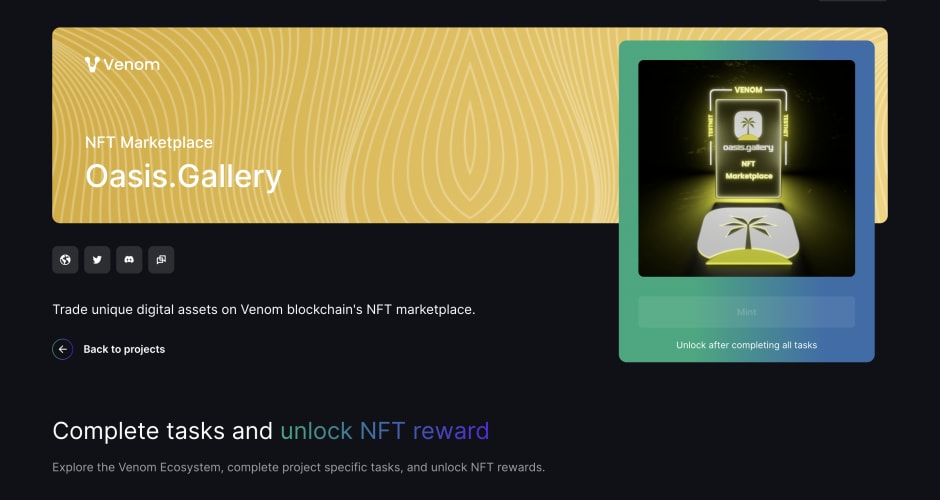
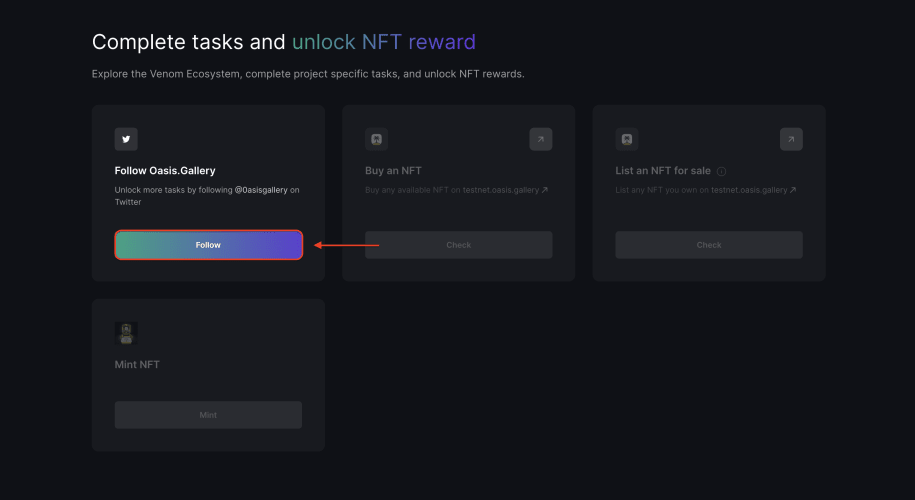
- Visit Oasis.Gallery and connect your wallet;
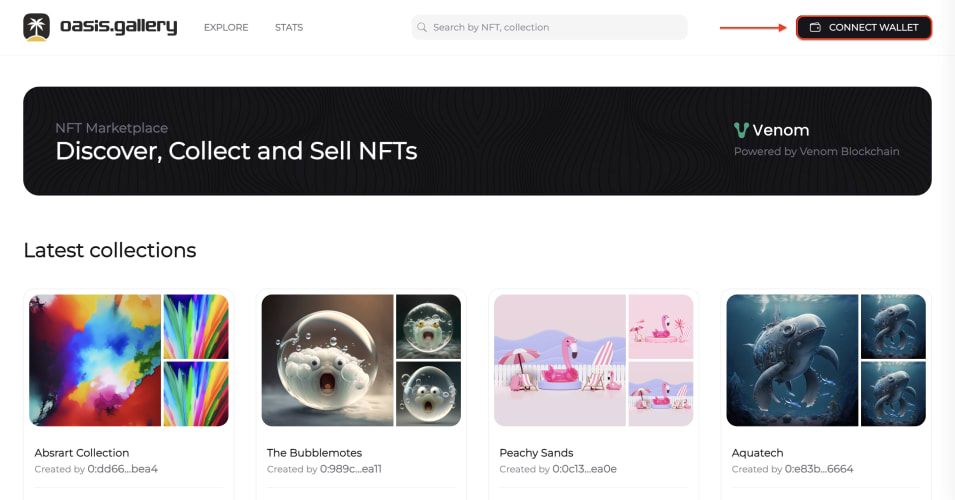
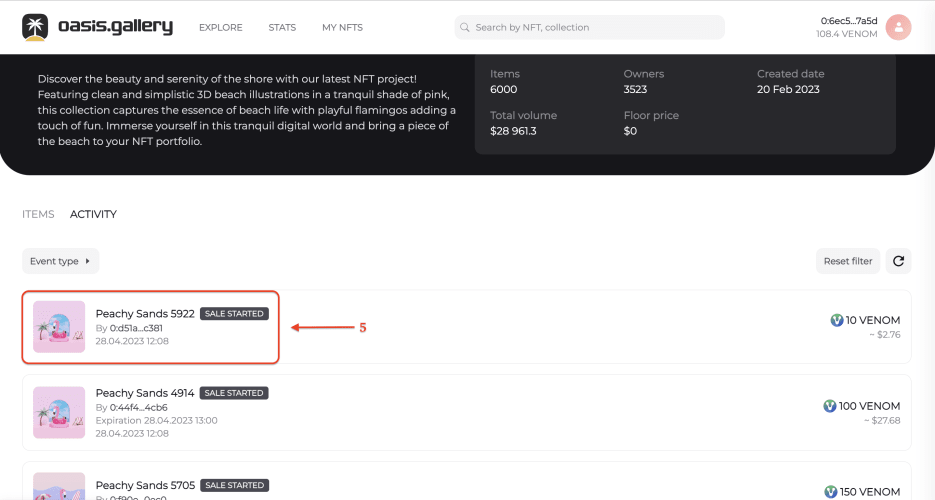
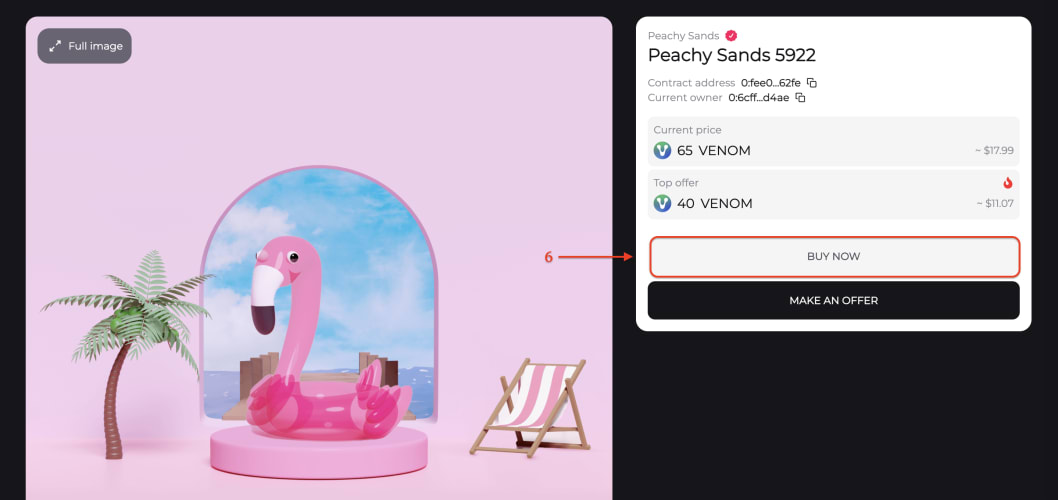
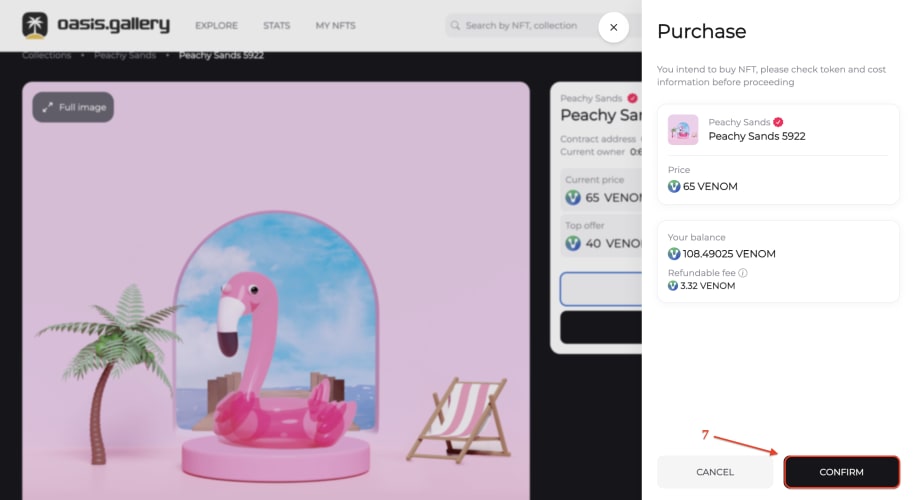
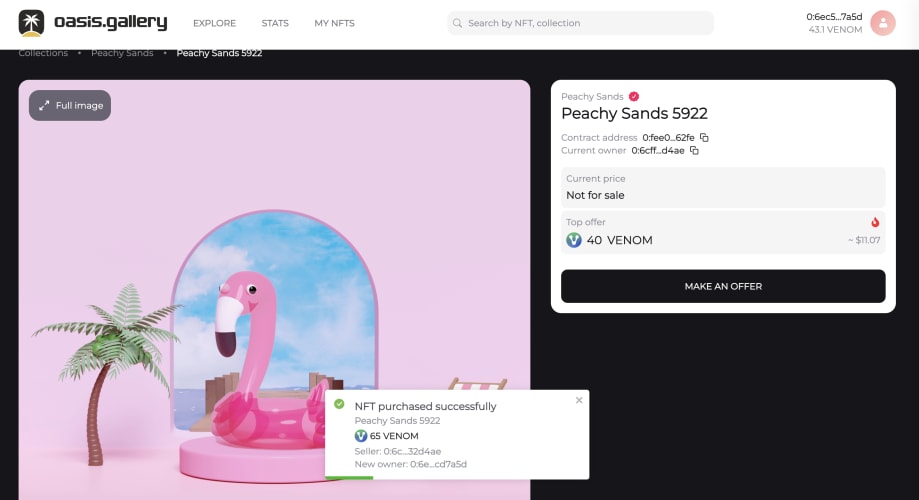
Buying NFTs
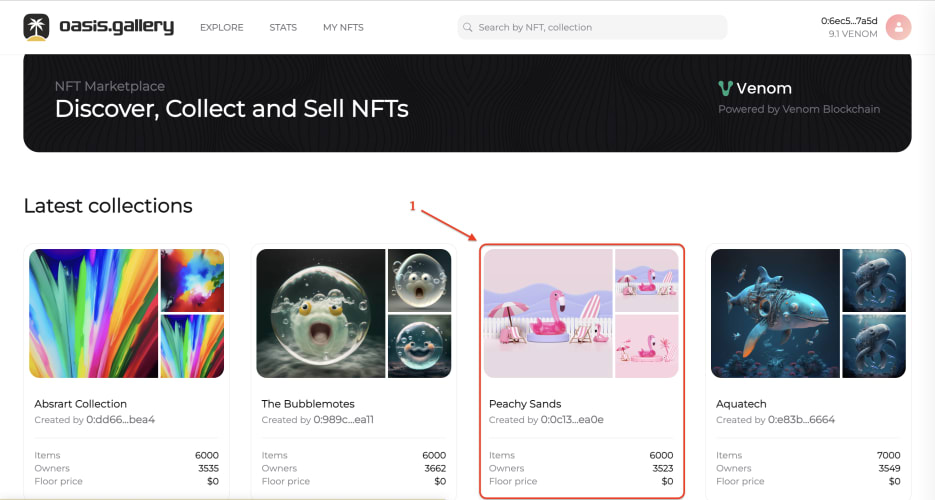
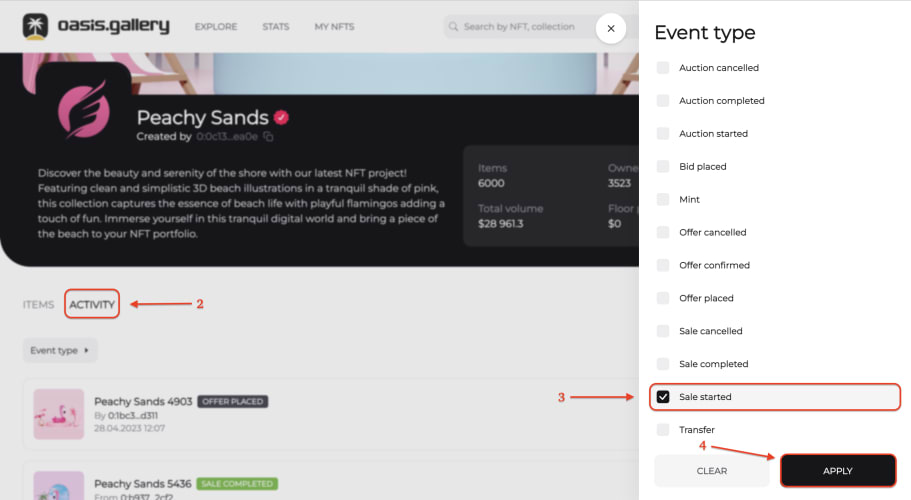
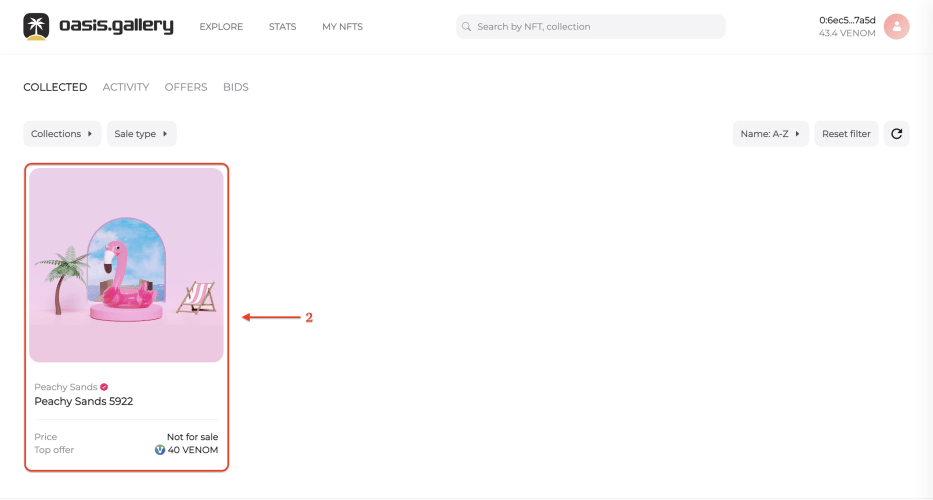
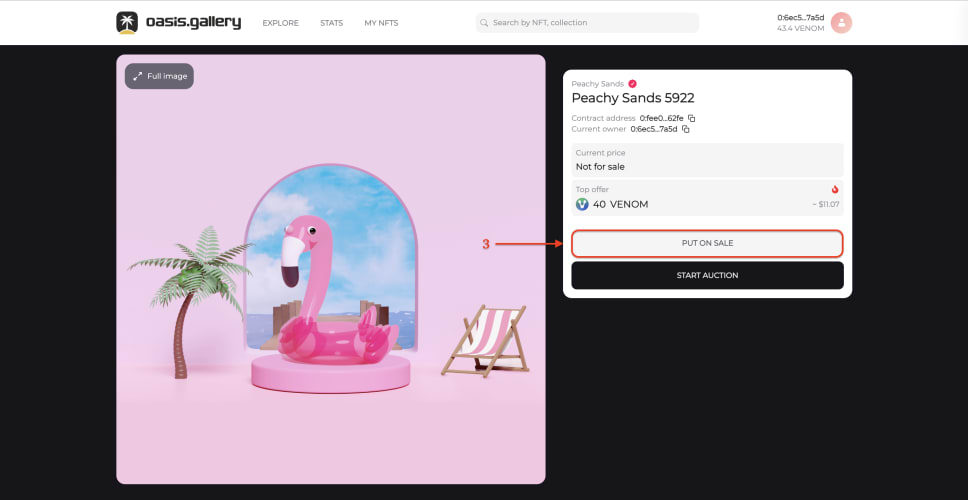
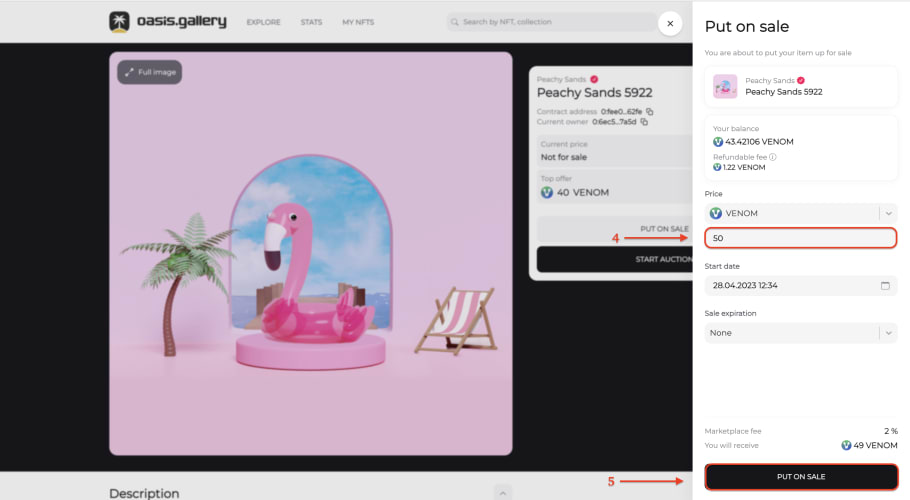
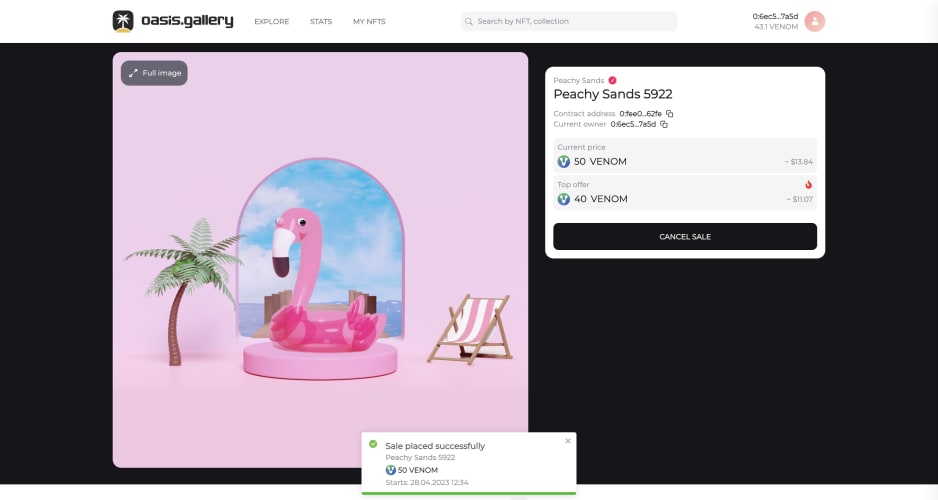
Putting NFTs on sale

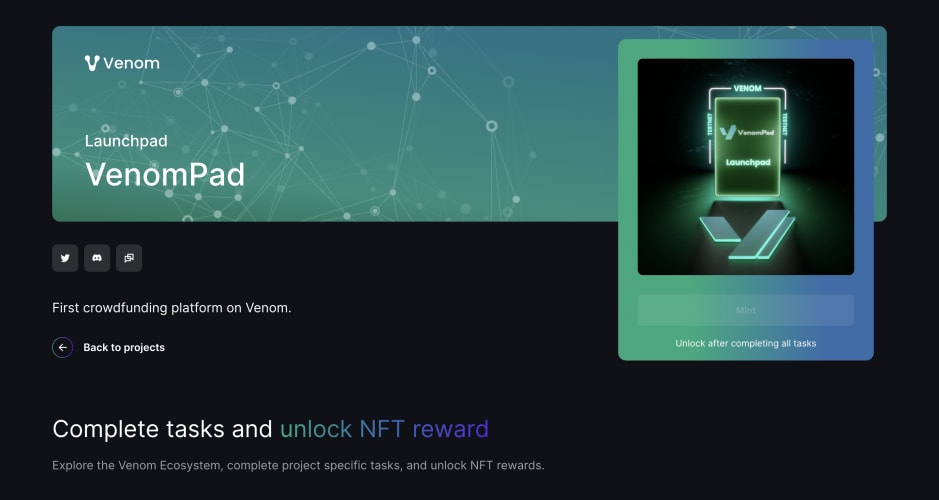
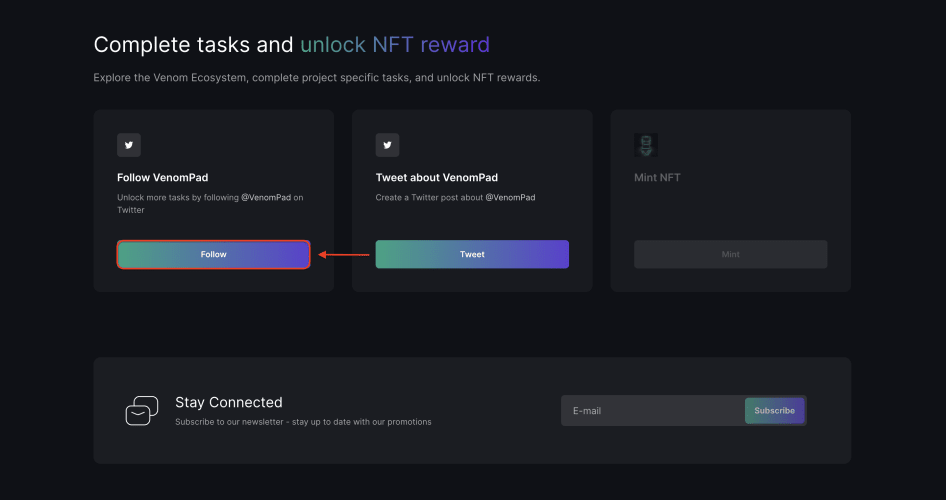
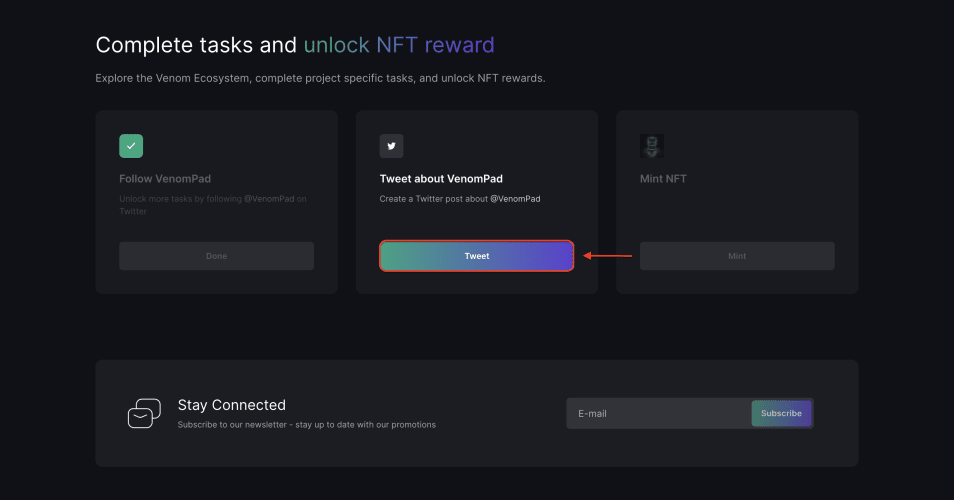
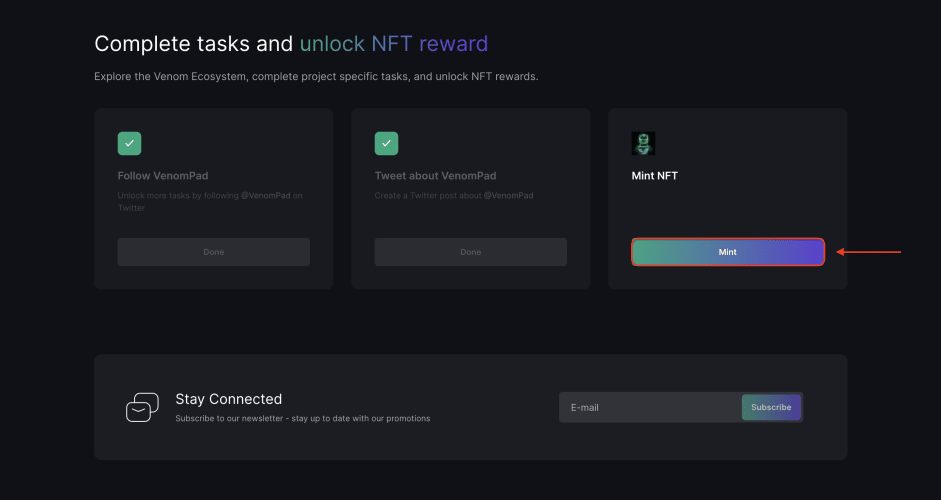
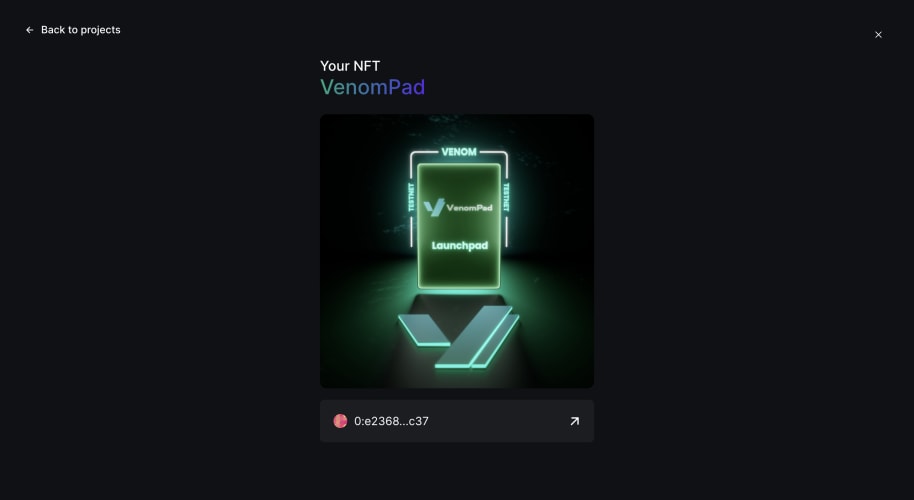
VenomPad
- Go to the task page;
Snipa Finance
- Go to the task page;

- Follow Snipa Finance on Twitter by clicking “Follow”;


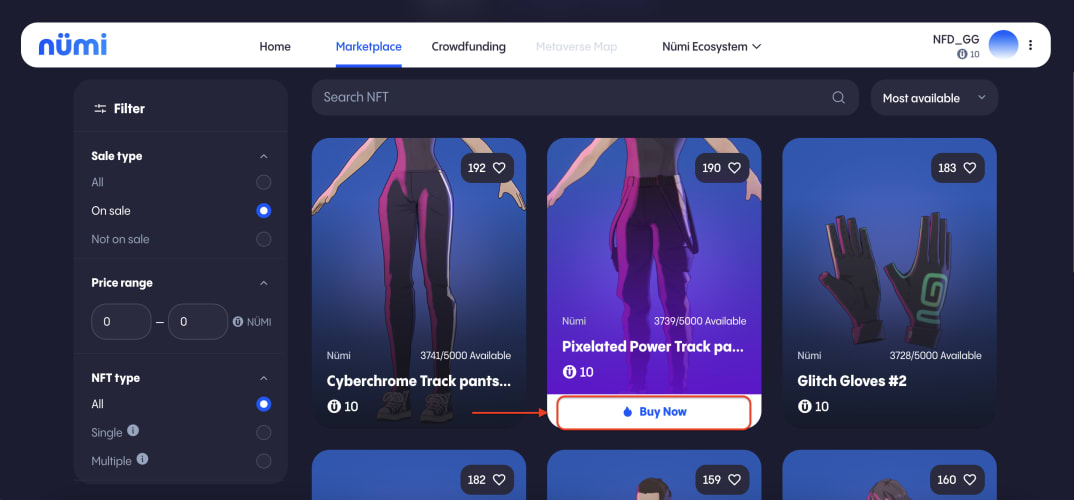
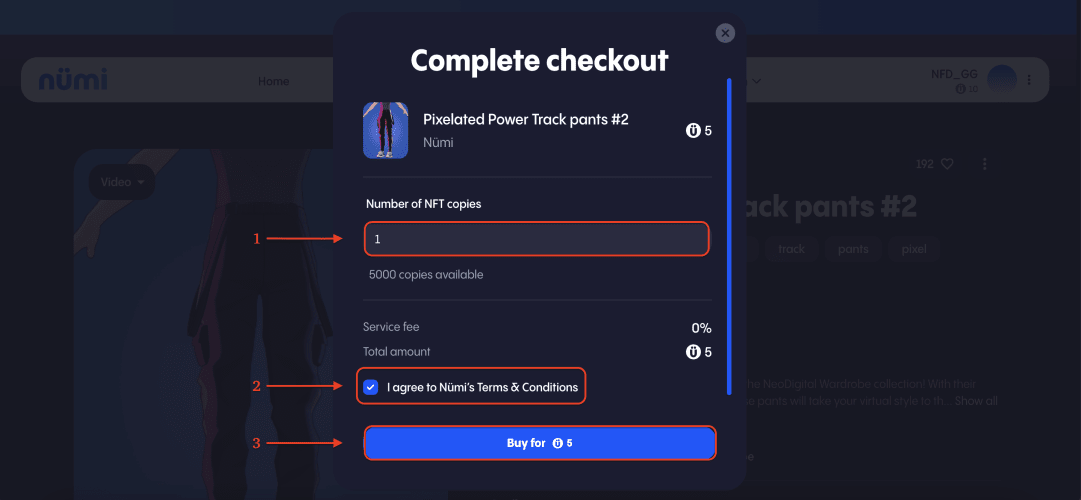
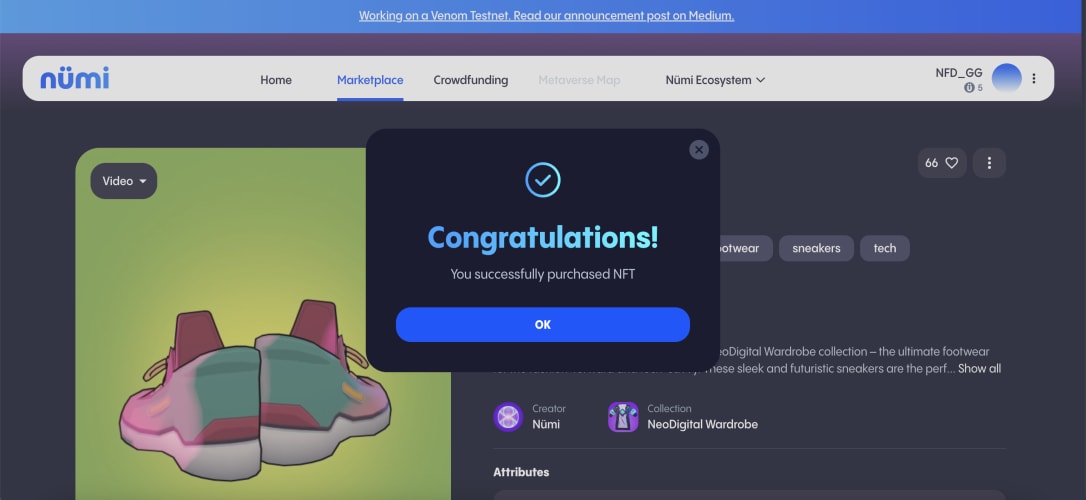
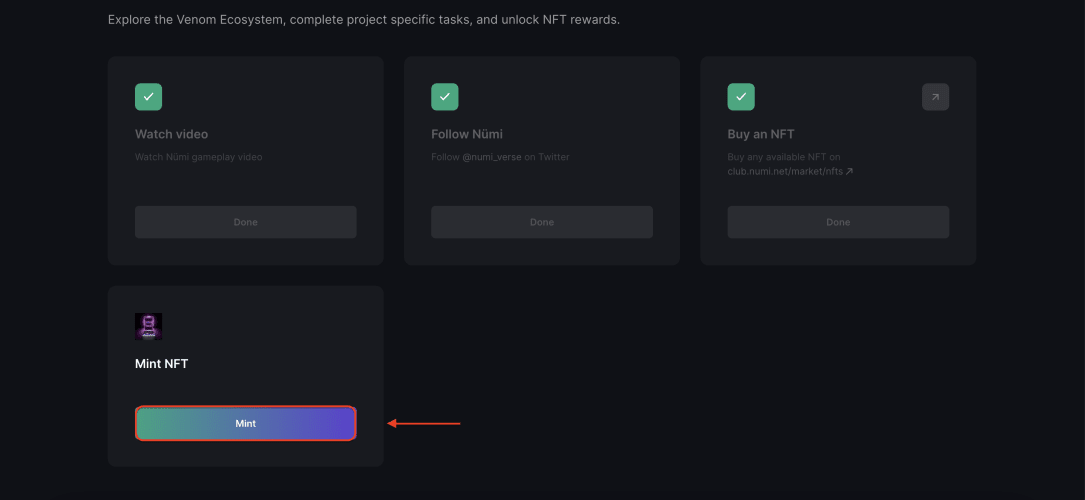
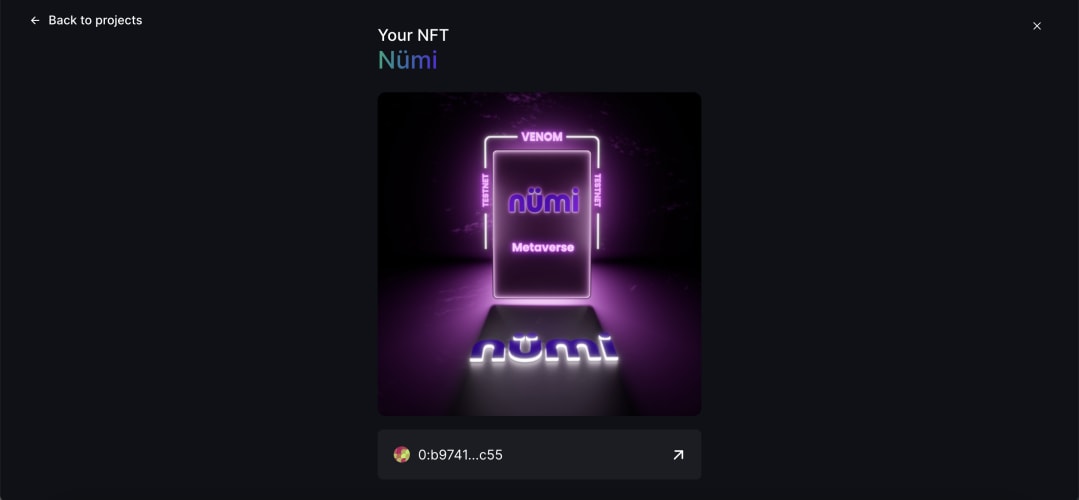
Metaverse Numi
- Visit the task page;
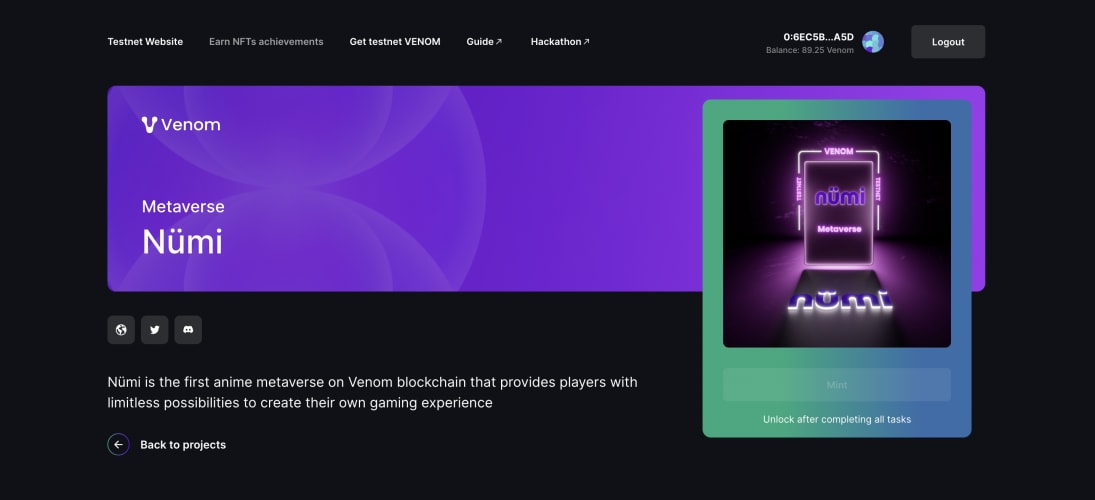
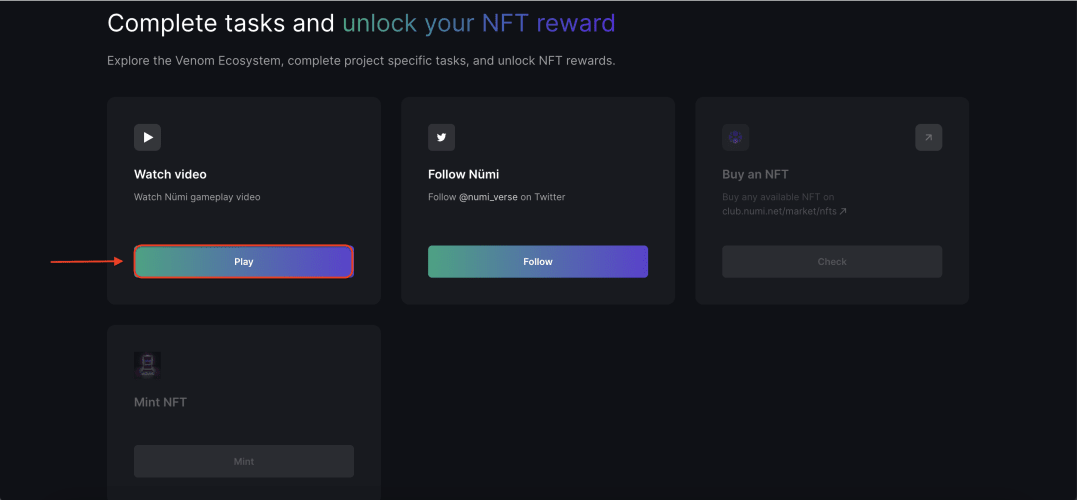
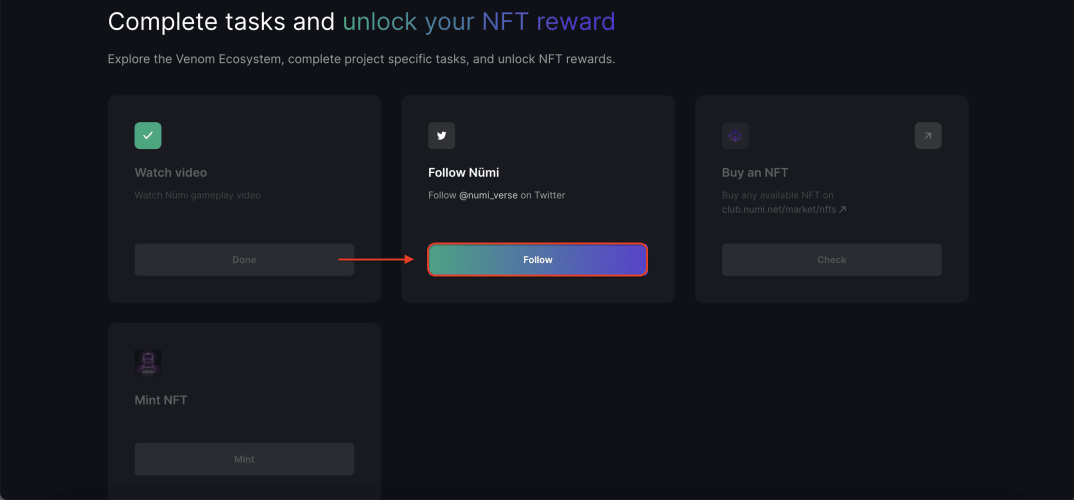
- Follow Numi on Twitter by clicking “Follow”;
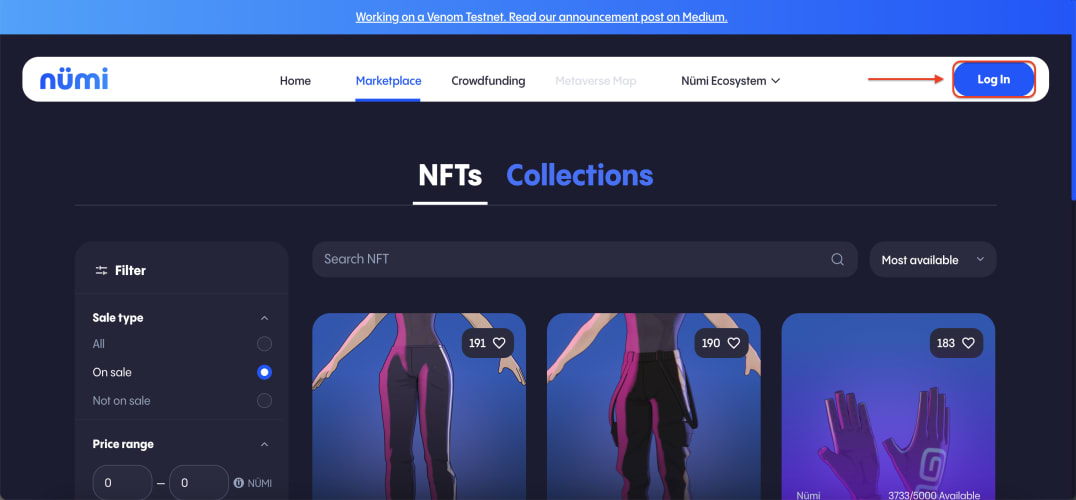
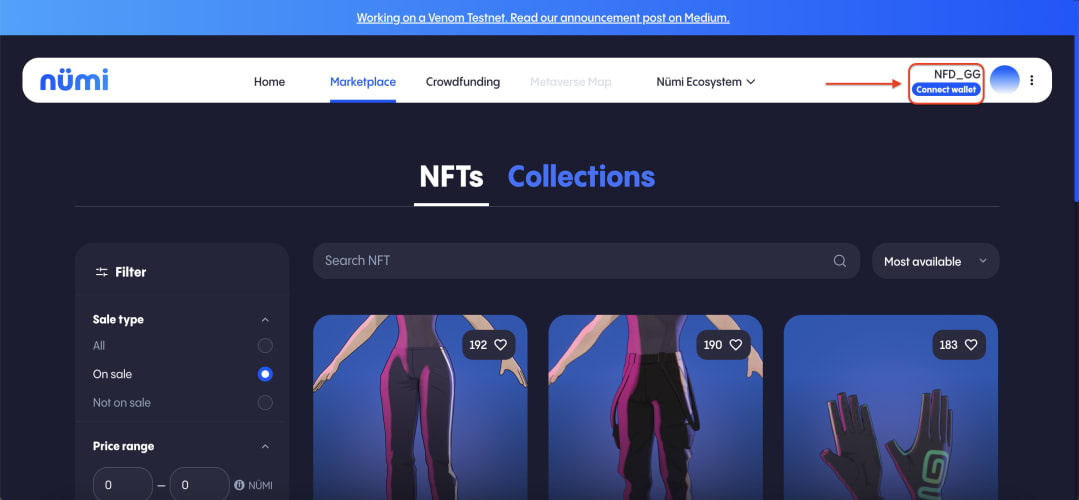
- Visit Numi and sign up;
Ylide Social Hub
- Go to the task page;

- Subscribe to Twitter by clicking on the "Follow" button;

- Then go to the site and connect your wallet;


Derivatives Exchange - Gravix
- Go to the task page;

- Subscribe to Twitter by clicking on the "Follow" button;

- Then go to the site and connect your wallet;


Leaving feedback
- Visit the project's Discord, post your constructive feedback.