How To Swap Tokens On STON.fi?
Hi everyone, today I’ll tell you how easily swap tokens on STON.fi
So, first, you need to go on STON.fi, there we will swap obviously
STON.fi is a decentralized automated market maker (AMM) built on the TON blockchain providing virtually zero fees, low slippage, an extremely easy interface, and direct integration with TON wallets
Second, you should click the “Go to App” button, like in the screenshot below

Then you will be redirected to the page where you will make the swap. There you should click the “Connect Wallet” button to connect your wallet(I recommend using Tonkeeper or Ton Space in Telegram)

After connecting your wallet you’ll see your TON balance, it might be 0 if you just created the wallet, but if you have TON on your wallet, you can swap

On this page, you already can swap TON on STON, but you also can change token if you click on STON under “You receive”

Here you can search your token by name, or you can also type CA (Contract Adress). (You might find CA on CoinMarketCap like in the screenshot below)

After copying CA, paste it on the search bar

After that, type how many TONs you want to swap on token that you chose

Click on the “Swap” button and accept the transaction in your wallet
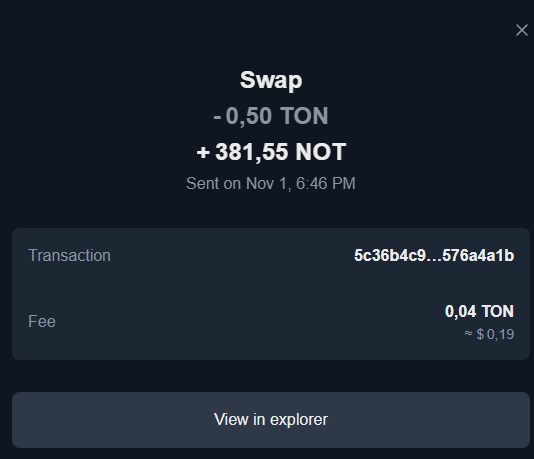
After a very quick transaction you will receive your tokens in your wallet
Thanks for your attention, have a good day.
Official STON.fi links:
Website
X(Twitter)
Telegram
Telegram Chat
GitHub
Discord