April 2, 2025
Gensyn Install Testnet node

Teletype Node Setup Guide
curl -sSL https://raw.githubusercontent.com/zunxbt/installation/main/node.sh | bash
sudo apt update && sudo apt install -y tmux python3 python3-venv python3-pip curl screen git yarn && \
curl -sS https://dl.yarnpkg.com/debian/pubkey.gpg | sudo apt-key add - && \
echo "deb https://dl.yarnpkg.com/debian/ stable main" | sudo tee /etc/apt/sources.list.d/yarn.list && \
sudo apt update && sudo apt install -y yarn
rm -rf rl-swarm && git clone https://github.com/zunxbt/rl-swarm.git && cd rl-swarm
### 4. Start a New Screen Session
tmux new
python3 -m venv .venv && source .venv/bin/activate && ./run_rl_swarm.sh
Register in Ngrock
With your Main MAIL
https://dashboard.ngrok.com/get-started/your-authtoken

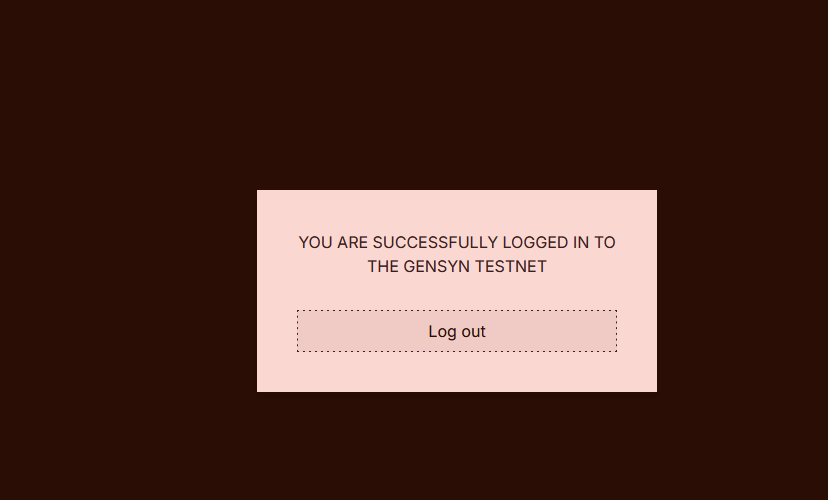
After paste token , and open link from terminal

During Setup
You will receive logs indicating that your node has been assigned a name.
Copy or save this name using right-click or any preferred method.
Wait for the message confirming that the node has started.
Save name
