January 23, 2025
How to Delete Your Account from the App
Step 1: Open the SimHub app on your mobile device.
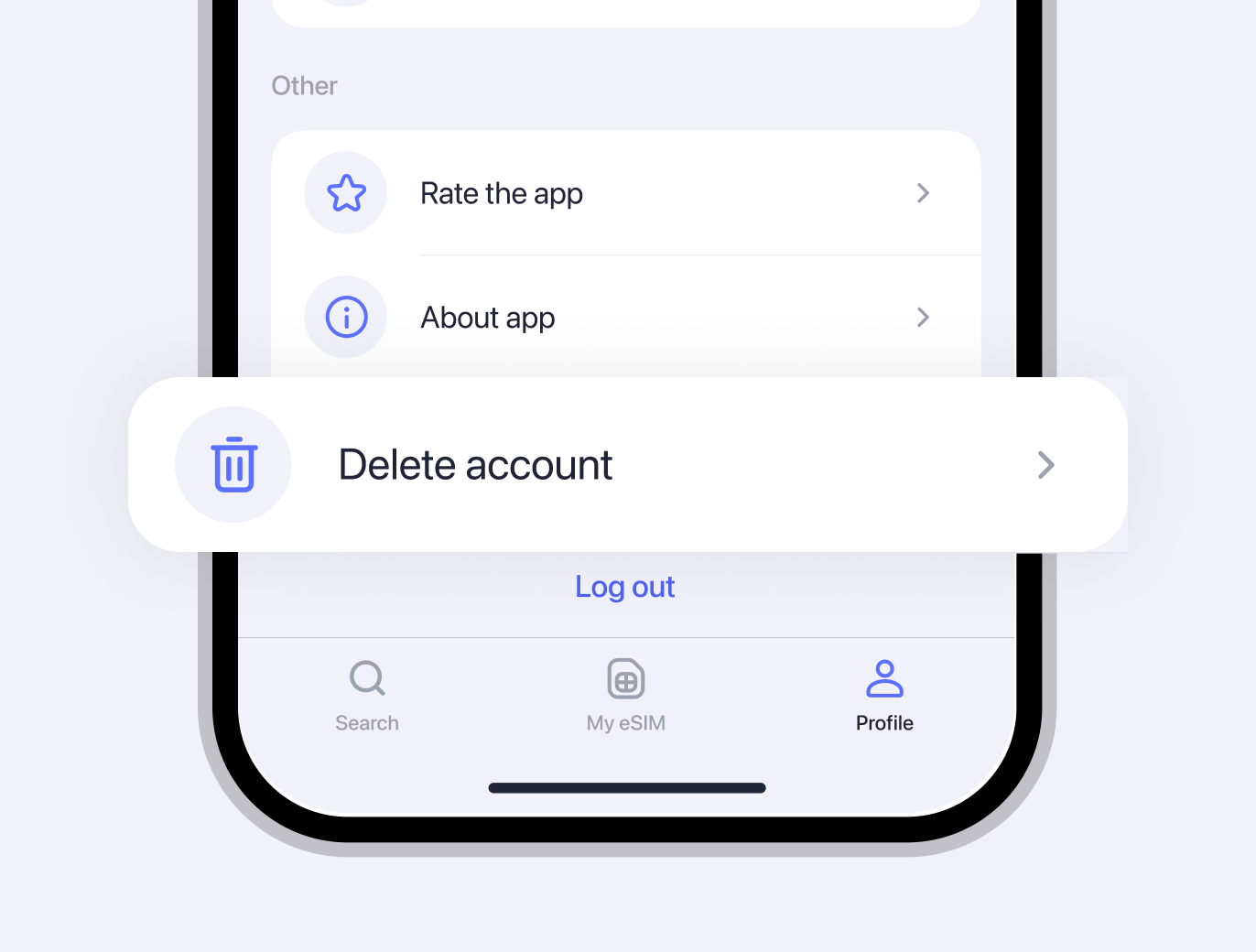
Step 2: Go to the “Profile” tab in the mobile app.

Step 3: Log into your account if you are not already logged in. If you are logged in, proceed to Step 4.

January 23, 2025, 12:09
0 views
0 reposts