CONTABO Registration - Cloud Instances or Dedicated Servers you want !
To run the node, we need a server where the work will take place continuously (do not try to install on your computer). For a small fee, we get 24/7 work and access from a device that can be much higher in performance.
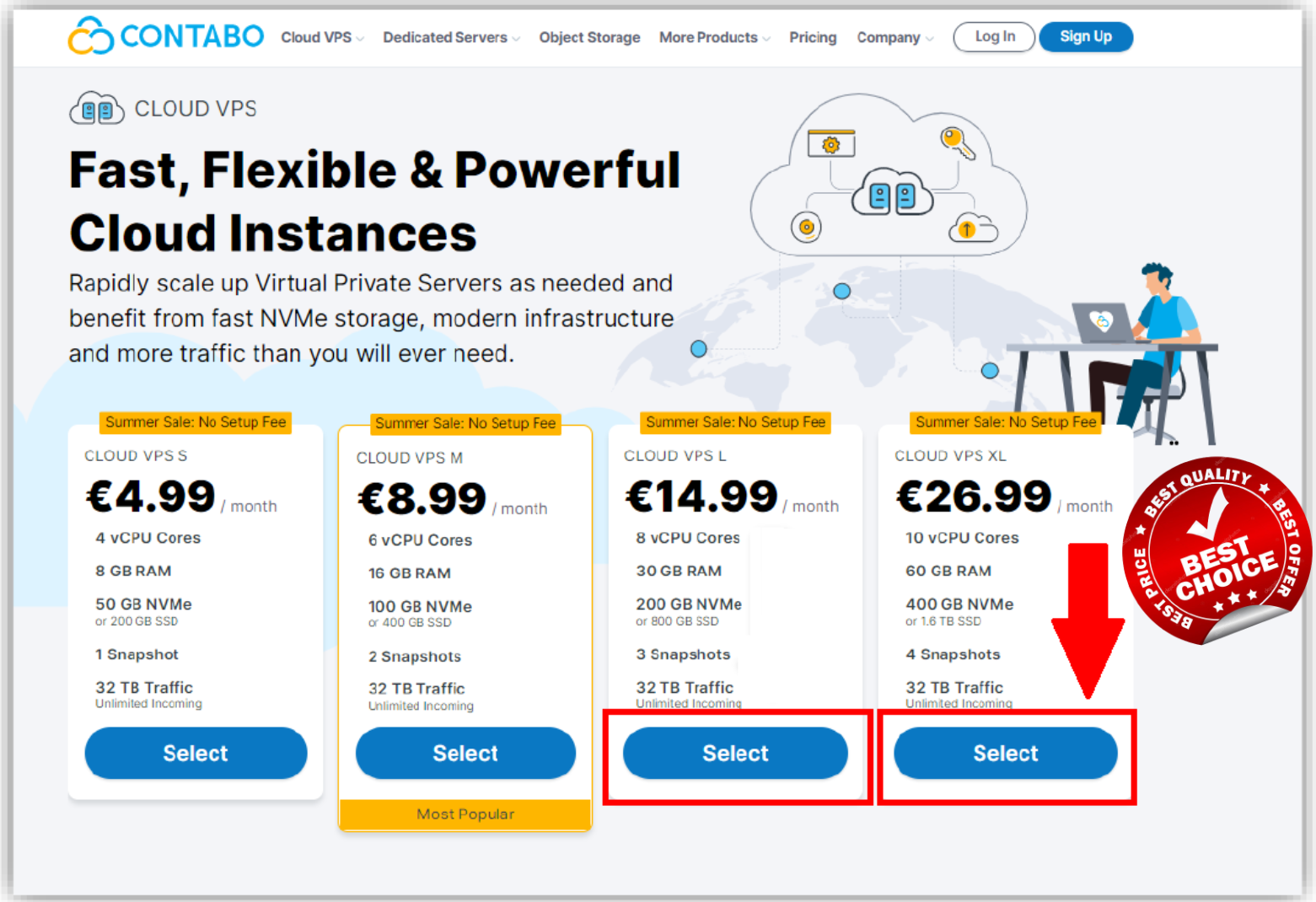
Go to the site: CONTABO and select a server CLOUD VPS XL (Price may change)
or just CLICK HERE to get DIRECT ACCESS with discount !
Select your term length and region (I suggest staying on Germany because it's free)

Choose storage type (I suggest SSD 1.6 TB or 2)

Make sure that you choose Ubuntu 20.04 on this step

Set your password. Come up with it yourself or generate it by the button (if you're going to forget it, don't worry, you can easily change it from your dashboard later)

Write down the password and click Next. Next, fill in your details. Registered address is required.The data is entered, click Next. Enter your card details on the next page. You can set USD or EURO as preferred currency (pls note currency can not be changed later)
The data is entered, click Next. Enter your card details on the next page OR you can use PayPal as a payment method !

After payment, you will receive an email asking you to proceed through KYC
The letter will look something like this:

Reply on this mail with your data (which you already filled out above)
and attach a photo of the main page of the passport and registration.
After that, please wait up to 2 days for a response letter with login information.
You came up with the password yourself, so
we are waiting only for the ip address of the server and login details !
PLEASE NOTE for some COUNTRIES KYC is not required, so you can receive login details and IP address without KYC same day !