MostLogin Configuration Usage Guide
WexProxy Official telegram support: t.me/wex_supp/
Official bot: @wex_proxy_bot
Integration to your soft is a very simple:
1-Get URL from Mostlogin(You can activate it only one time)
2-Click on this URL - you will automatically redirected to bot and get 1 GB
3-Click on the "cabinet"(You will open mini app)
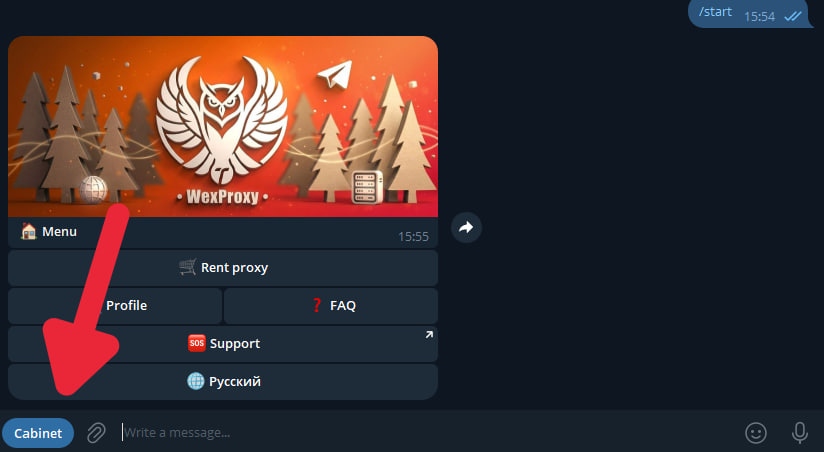
4- After that click on mobile type and after that "generate"

After generating proxy you will receive the port with login that you can change. For example to change GEO just change country code in your login
After that you can use your proxy. We recommend to use 23000 port(SOCKS5+UDP)
Part 2:MostLogin configuration
Below is an introduction to the MostLogin fingerprint browser (official website: https://www.mostlogin.com/ )
Step 1: Install and log in to the MostLogin fingerprint browser, then open the application.

Here you should set up your fingerprint. We recommend to set your real OS. After that go to "proxy".

Here you should paste your proxy in the autoparsing space. After that paste the rotation url and make tick on the UDP support
After that just click confirm and your setup is ready for work!