Sui. How to restore the SEED phrase

Today it worked)) but maybe it won't work tomorrow. It looks more like a bug than a feature.
While there is no way in the wallet to find out the private key or the Seed phrase using standard functions, but we have a non-standard way))
It is assumed that you already have Sui wallet and the password from the wallet remains, but for some reason it turned out that you forgot to save the Seed phrase. If the application is deleted from the browser or the password is forgotten, it will not be possible to restore it.
I used the Sui Wallet wallet, there are others, but I haven't tested them yet)
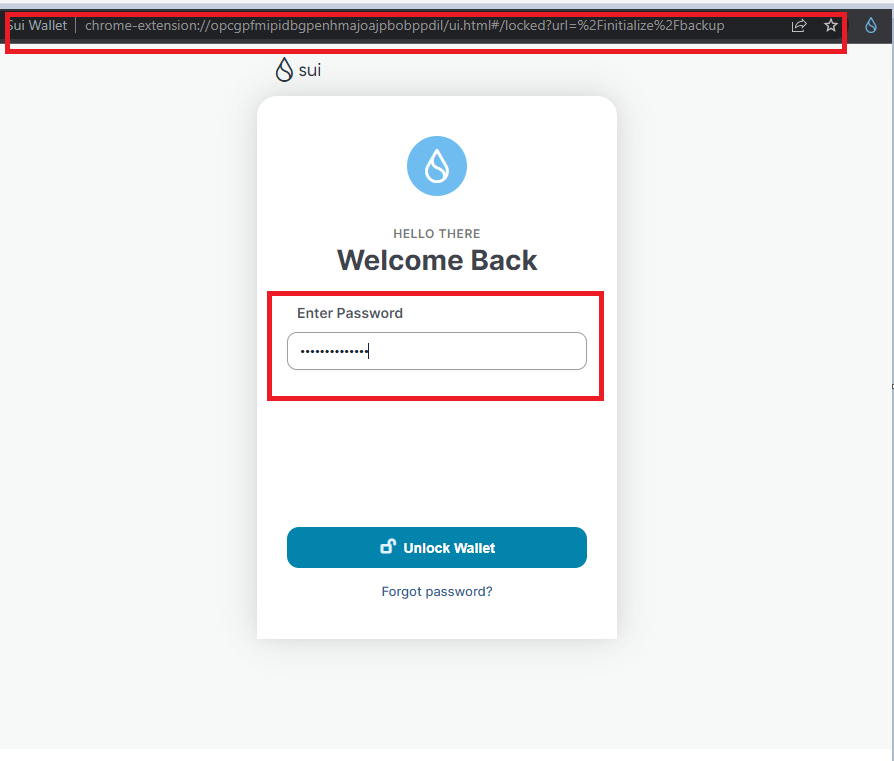
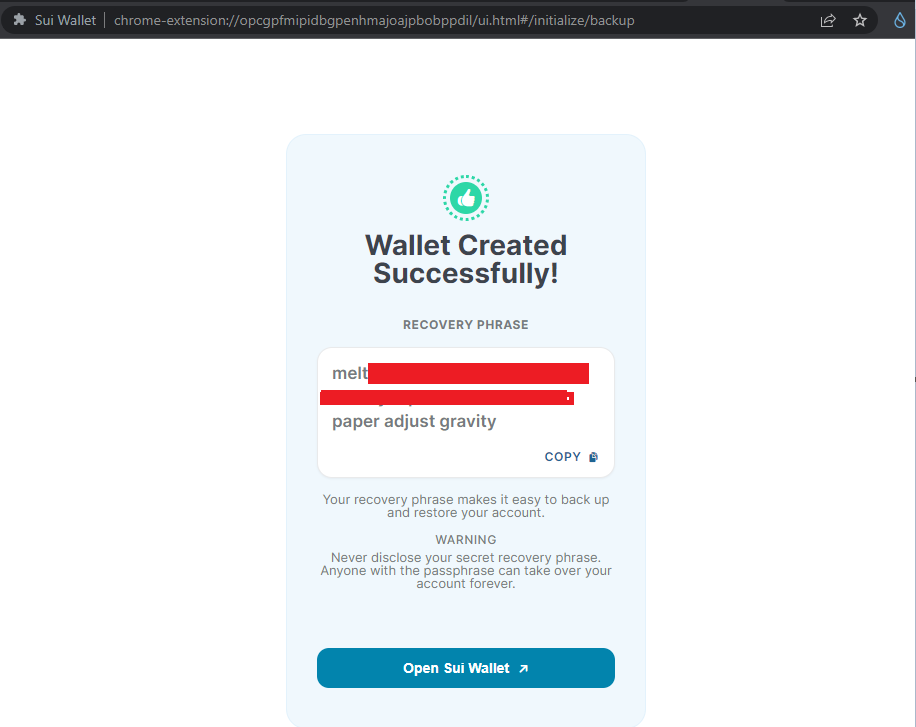
Everything is really very simple, follow the links below to the start page of the extension, which appears after installation, we need a link at the stage of saving the Seed phrase

Hyperlinks often give page errors when opening, so we use copy paste. The first link is more working..
chrome-extension://opcgpfmipidbgpenhmajoajpbobppdil/ui.html#/locked?url=%2Finitialize%2Fbackup
http://chrome-extension//opcgpfmipidbgpenhmajoajpbobppdil/ui.html#/initialize/backup
This link must be opened in the browser where the wallet with the forgotten phrase is installed. After that, he immediately offers to enter a password, after entering you have your Seed phrase.
The following errors may come out when using the link, apparently chrome security. Maybe there is another reason, write in the comments if you know the reason))


If the links don't work, you can use another method:
Create a new wallet yourself in another similar browser (you can create a new user in Chrome) and extract the same backup link whith the phrase.
Then everything is the same, paste the link into the browser with the forgotten keyword and enter the password.